

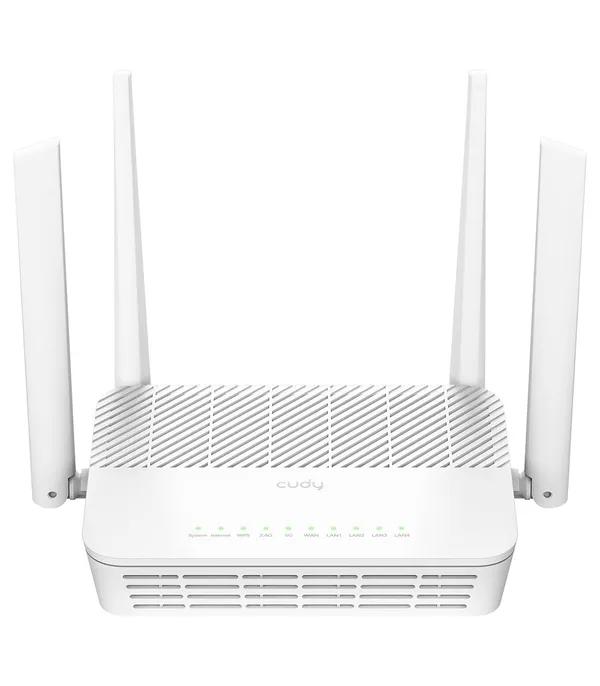
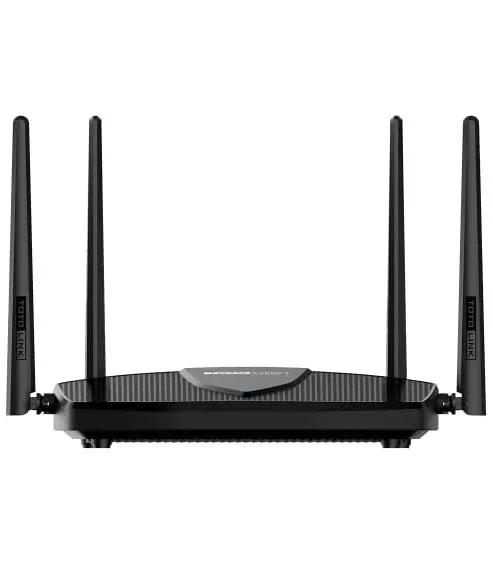
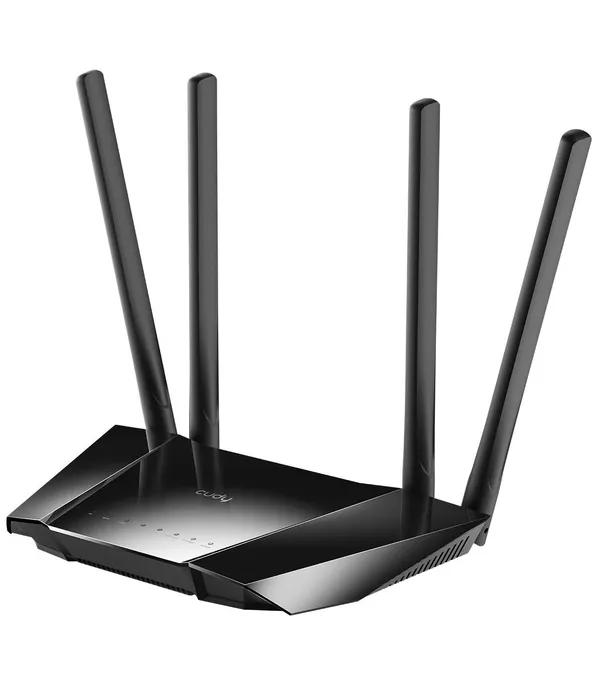
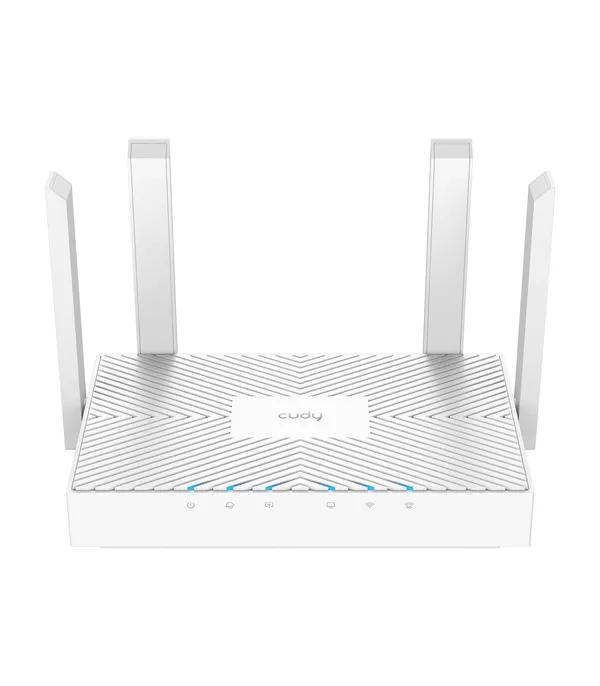
What the router price in Bangladesh actually buys right now
The router price in Bangladesh here runs from ৳ 1,140 for a 300 Mbps single-band unit to ৳ 26,000 for a tri-band gaming router, across 77 models. Most people land in the middle: the median is ৳ 3,470, and 25 of the 77 sit between ৳ 2,000 and ৳ 3,499.
The decision is not which router is fastest. A ৳ 17,000 router on a 20 Mbps line still delivers 20 Mbps, and a 300 Mbps router in a five-room flat leaves two rooms on one bar. Match the router to your line speed first, then your floor area, then your device count. Everything below follows that order, and TP-Link routers in Bangladesh cover every one of those price points.
Router price bands in Bangladesh
These four bands come from the live price spread of all 77 routers above, not from round numbers. Each marks a real jump in hardware.
| Price band | Models | What you get | Example |
|---|---|---|---|
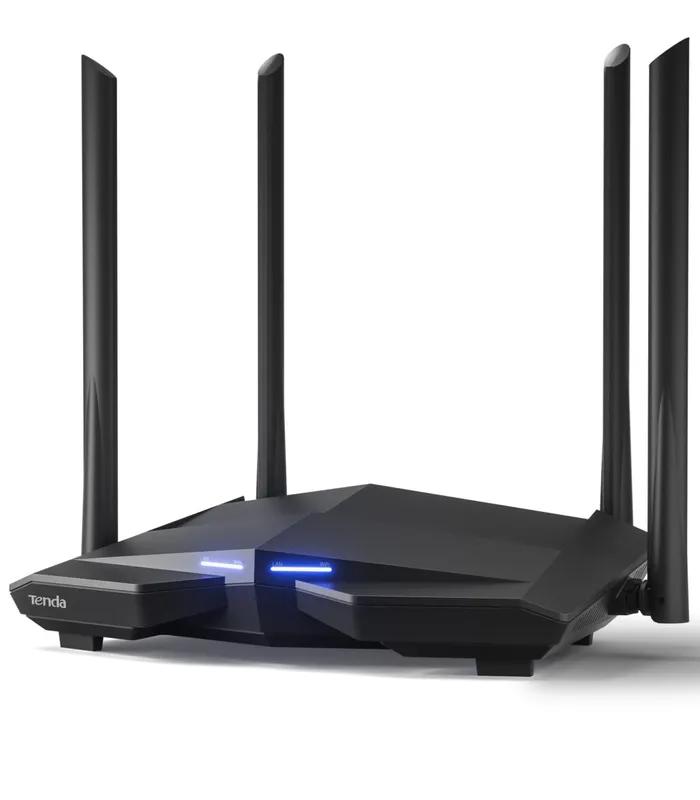
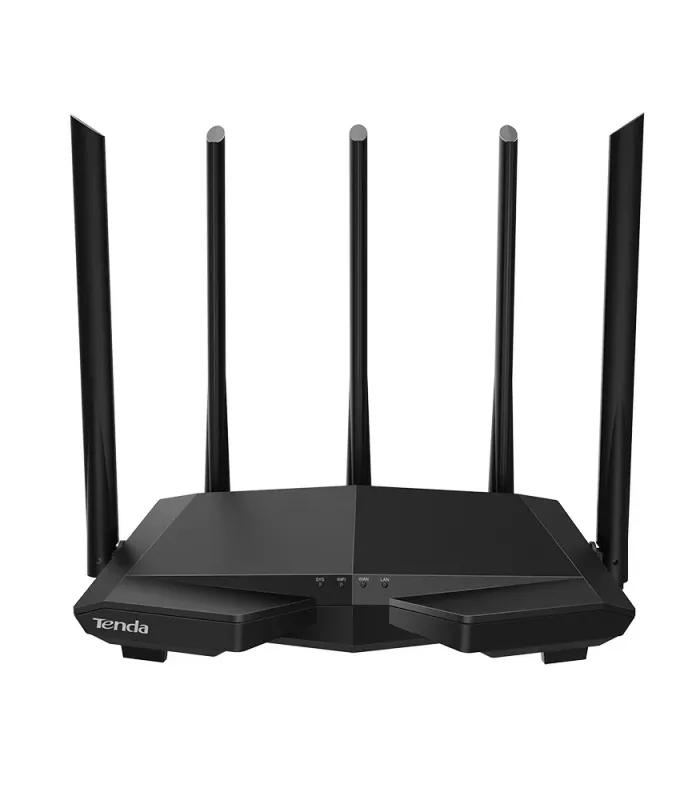
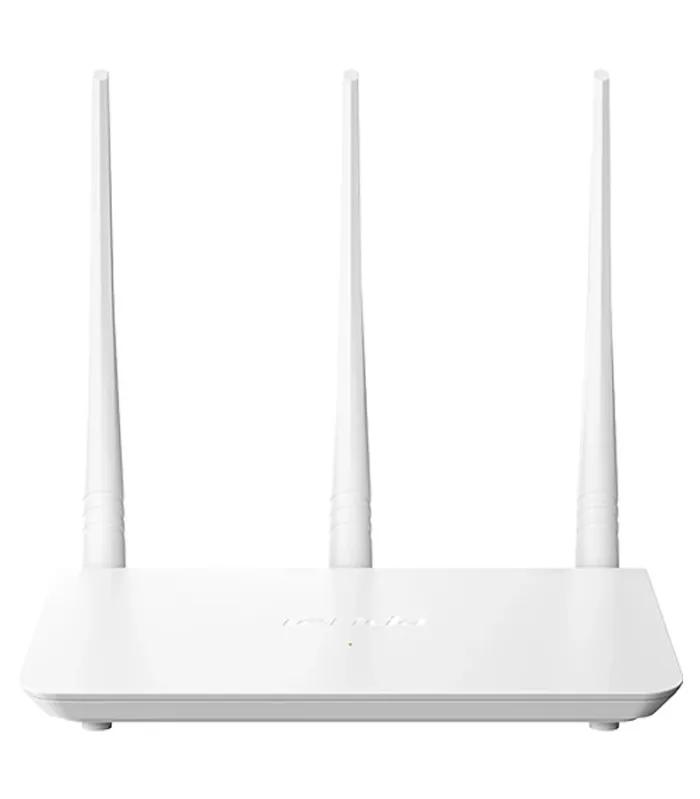
| Under ৳ 2,000 | 15 | Single-band 2.4 GHz, 300 Mbps, 100 Mbps LAN ports. Fine for one or two rooms. | Tenda F3 300Mbps router — ৳ 1,325 |
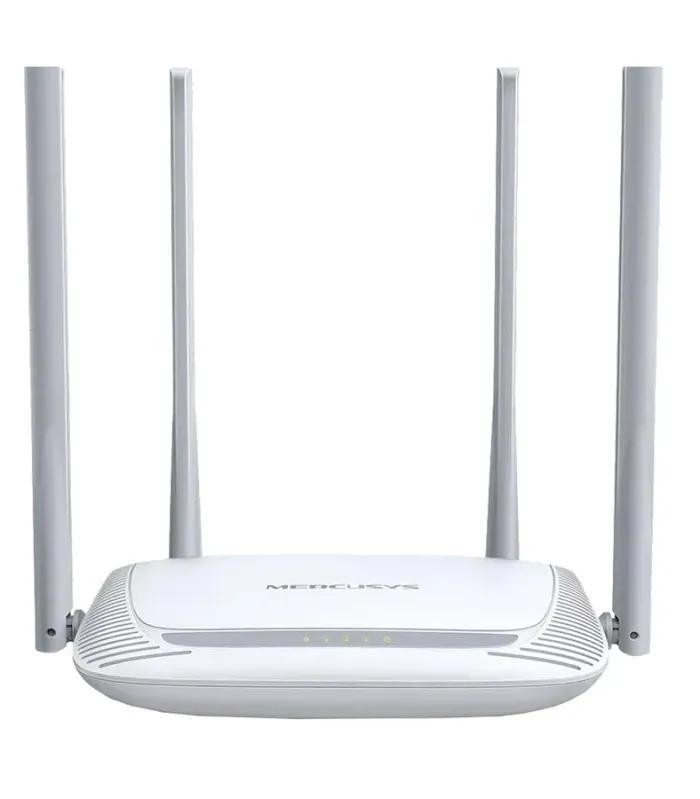
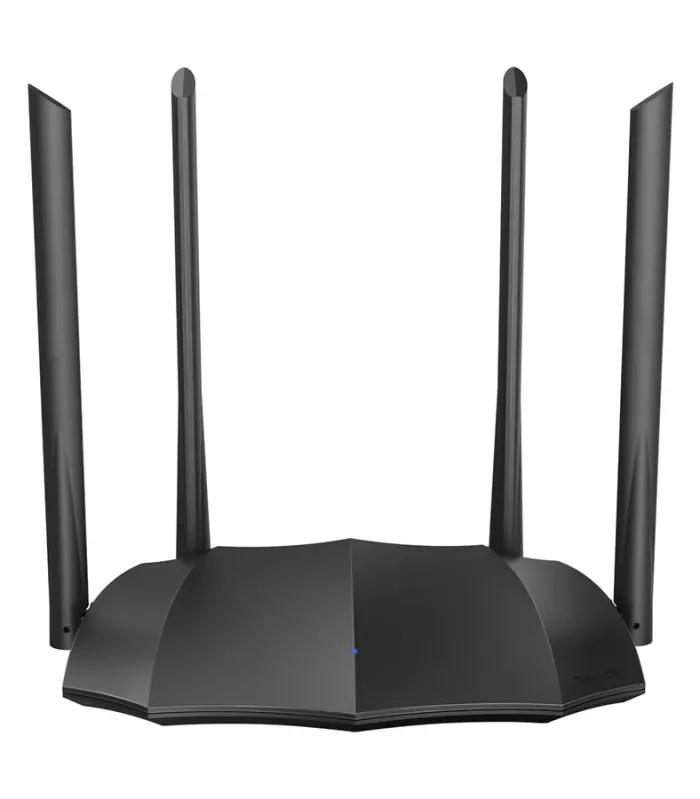
| ৳ 2,000 – ৳ 3,499 | 25 | Dual-band AC1200, four antennas, beamforming. The default for a two- or three-bedroom flat. | TP-Link Archer C54 AC1200 dual-band router — ৳ 2,330 |
| ৳ 3,500 – ৳ 6,999 | 18 | Gigabit ports plus Wi-Fi 6 on most models. The first band that carries a 100 Mbps fibre package without throttling it. | TP-Link Archer AX12 AX1500 Wi-Fi 6 router — ৳ 3,740 |
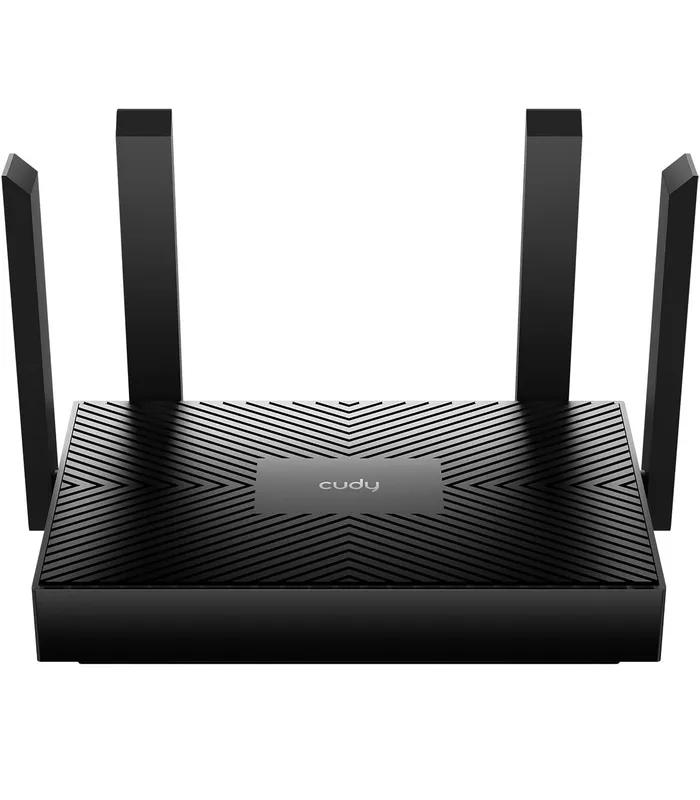
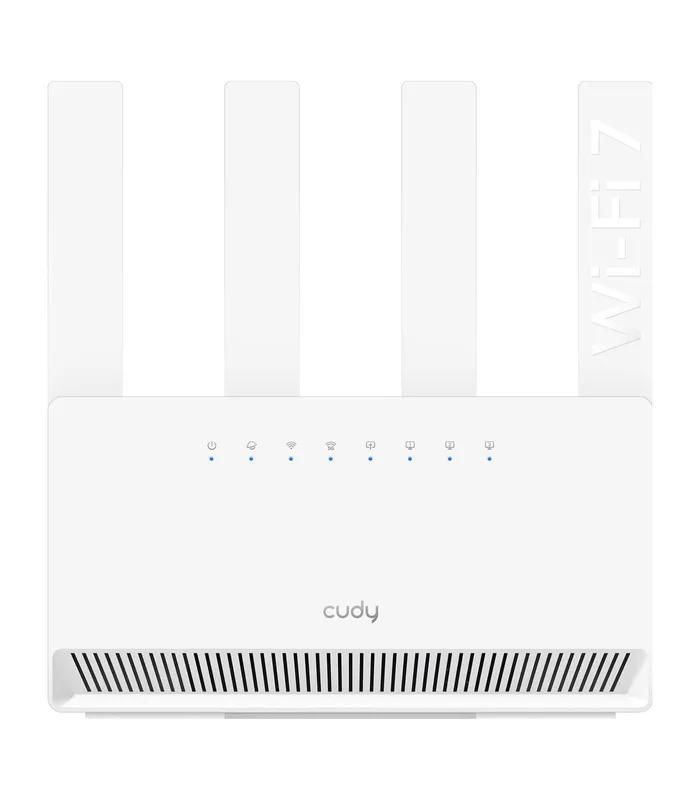
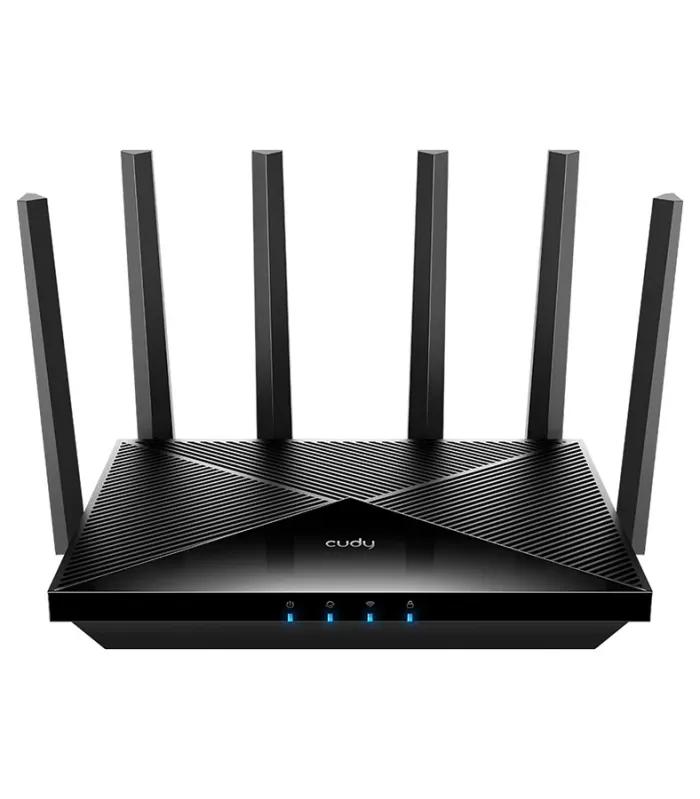
| ৳ 7,000 and above | 19 | Mesh kits, Wi-Fi 7, 2.5G ports and gaming hardware. A quarter of the category sits here, so price ladders stopping at ৳ 5,000 are out of date. | Cudy WR3600 BE3600 Wi-Fi 7 mesh router — ৳ 7,800 |
Which router type fits your home or office
Coverage figures on router boxes are measured in open space. Brick and RCC walls cut that badly, and a slab between rooms can cost you an entire band. Read every square-foot claim as about two-thirds of what it says.
Single-band 2.4 GHz
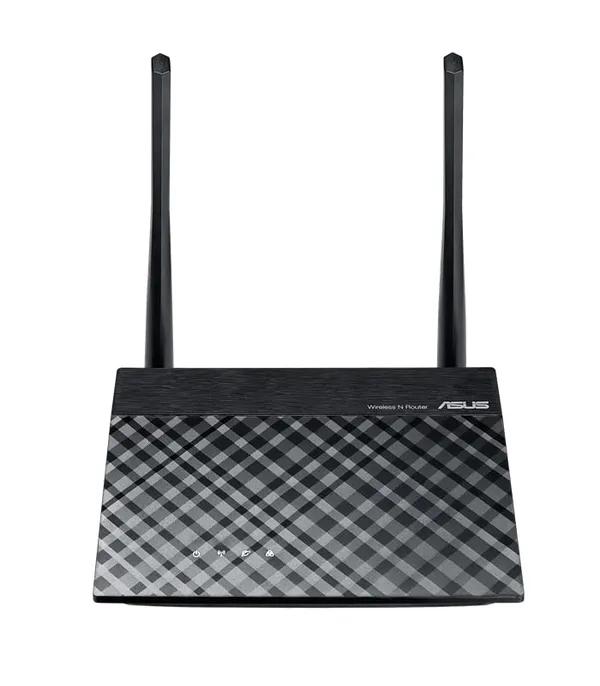
One band, 300 Mbps ceiling, best reach through walls. Right for a one- or two-room flat or a shop counter on a line under 25 Mbps.
Suggested
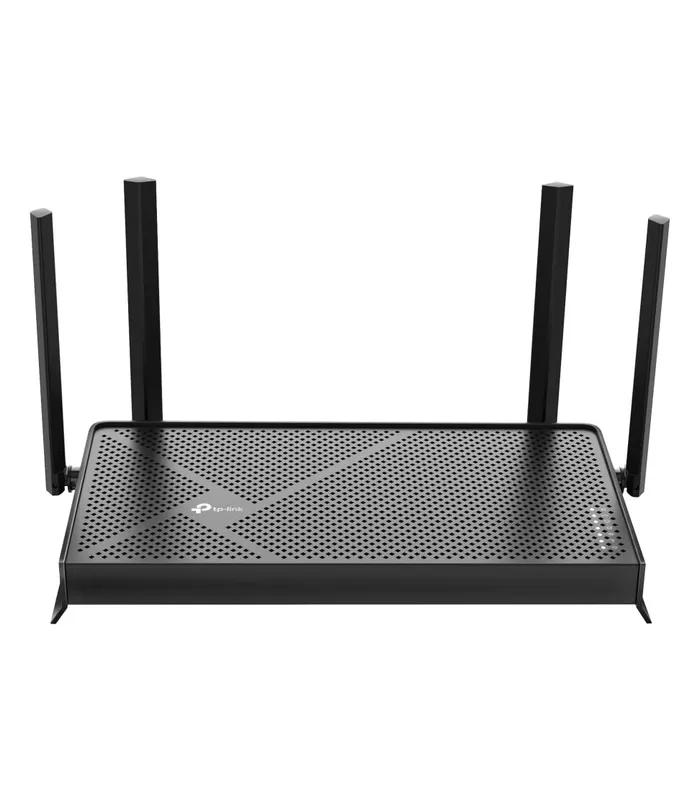
Dual-band AC1200
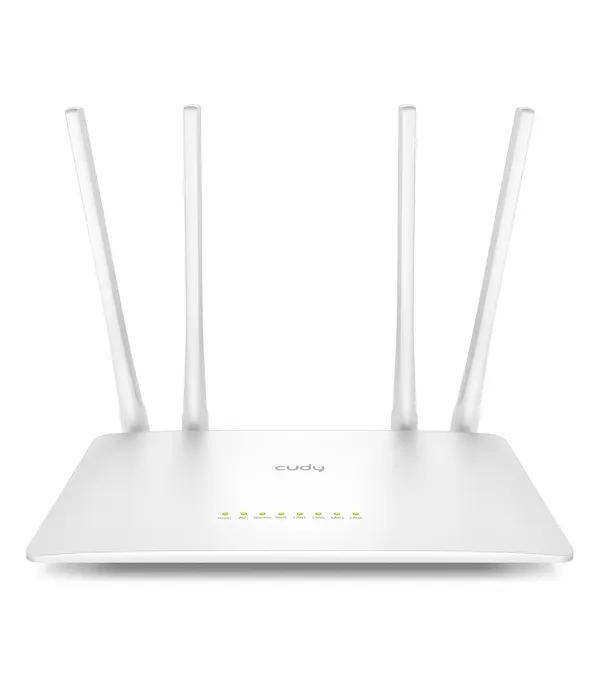
2.4 GHz for range, 5 GHz for speed, so phones and TVs stop sharing one channel. The default for a 1,000 to 1,500 sq ft flat.
Suggested
TP-Link Archer C6 AC1200 gigabit router — ৳ 3,530
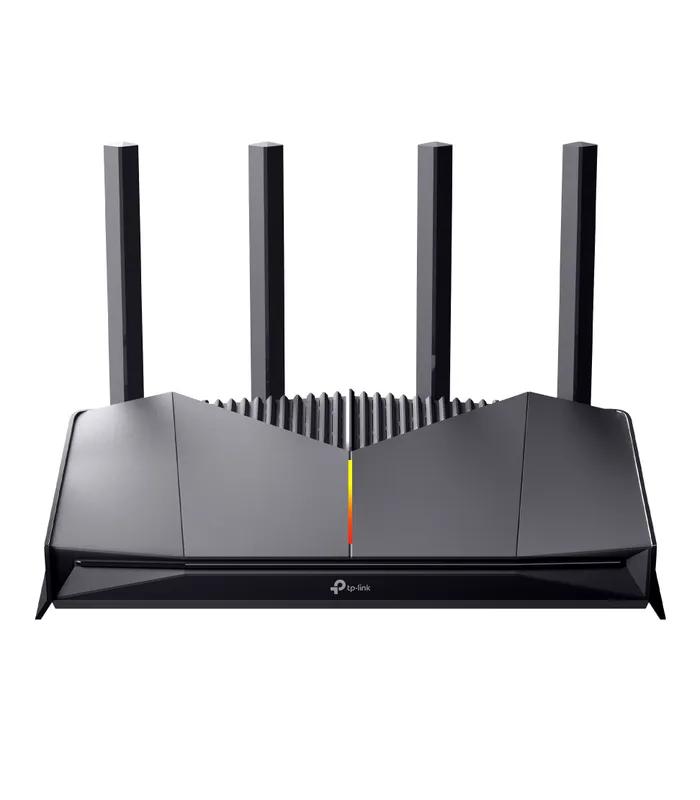
Wi-Fi 6 routers
Wi-Fi 6 handles crowding better rather than making one laptop faster. It earns its price past fifteen devices or a 100 Mbps line.
Suggested
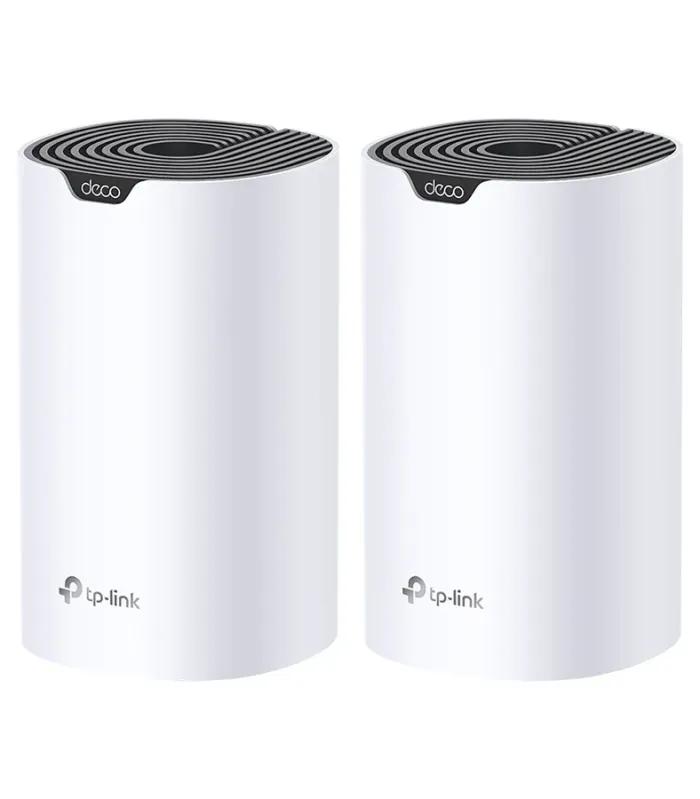
Mesh systems
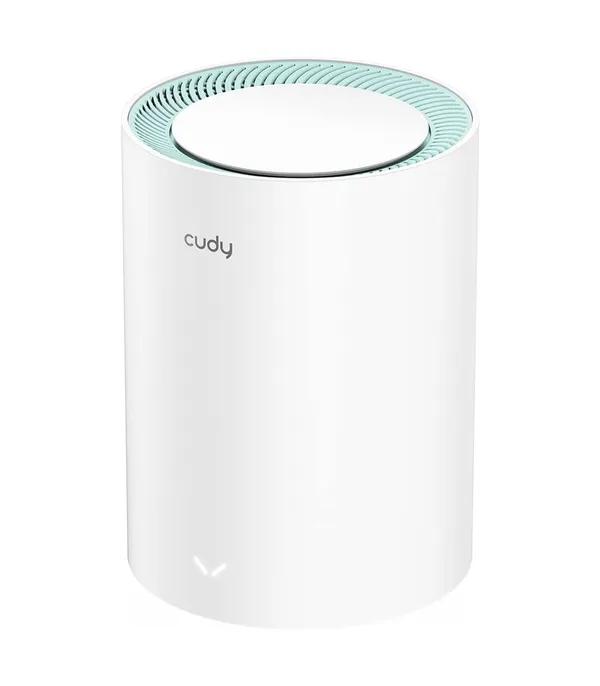
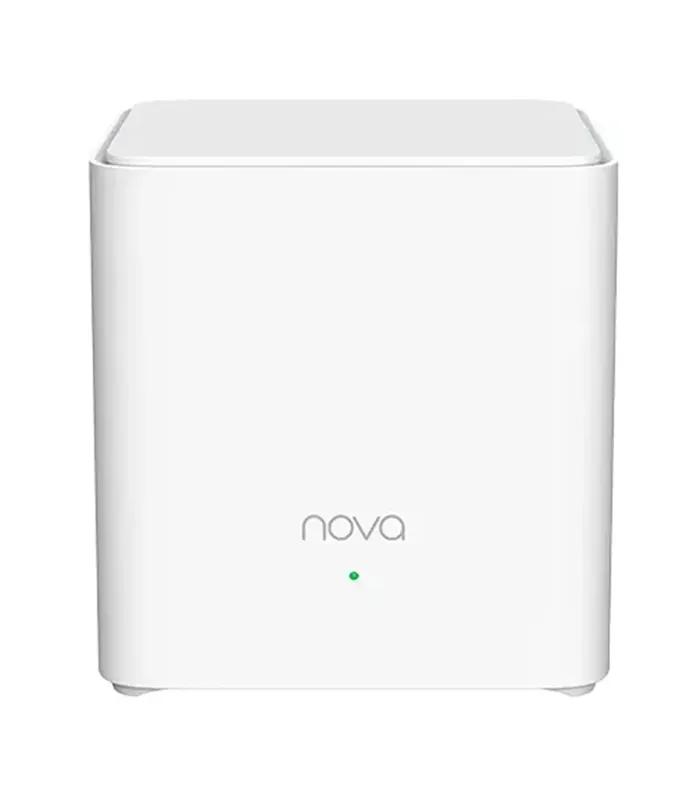
Two or three units share one network name, so your phone never drops between rooms. The answer for duplex homes and long corridor flats.
Suggested
TP-Link Deco M4 AC1200 mesh 2-pack — ৳ 7,490
SIM and pocket routers
A 4G SIM goes straight in, so you get Wi-Fi with no broadband line. Useful upcountry, at a site office, or as fibre standby.
Suggested
TP-Link M7000 4G LTE pocket router — ৳ 4,390
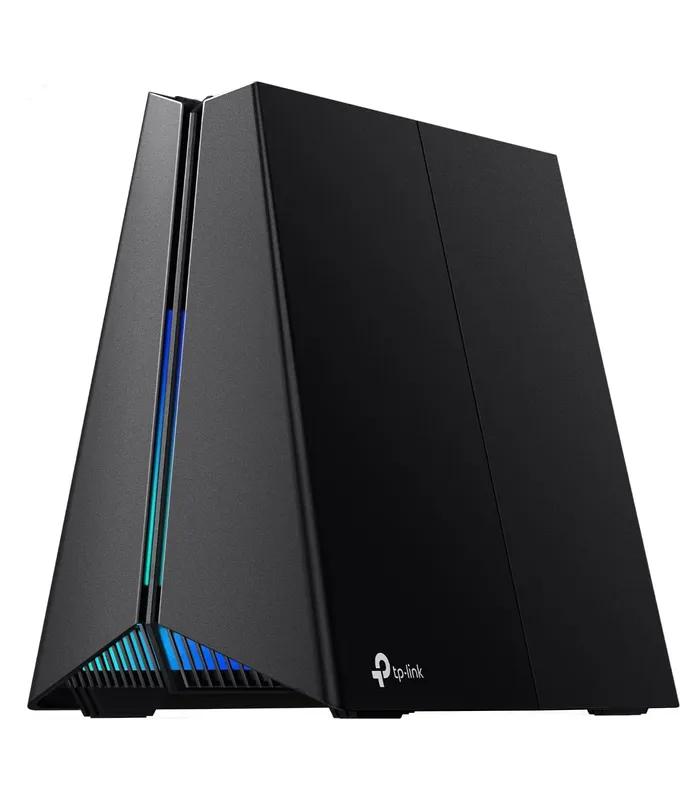
Gaming routers
You pay for traffic prioritisation and lower jitter, not raw speed. If your PC sits beside the router, a LAN cable does more for latency.
Suggested
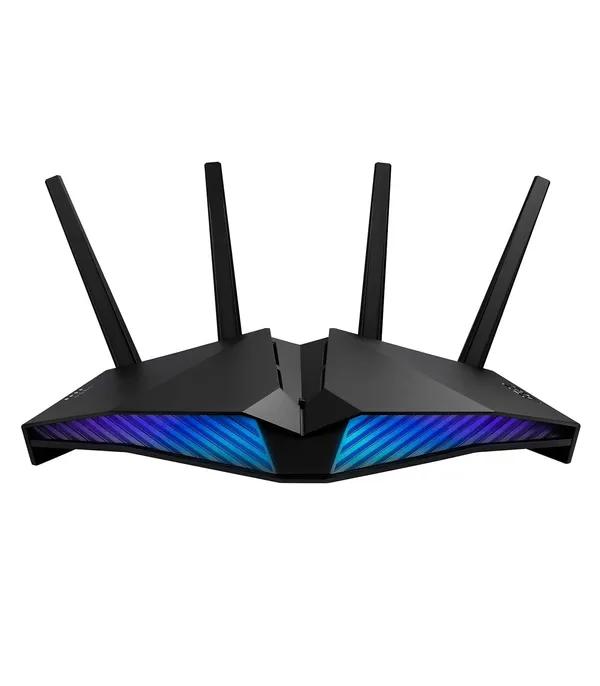
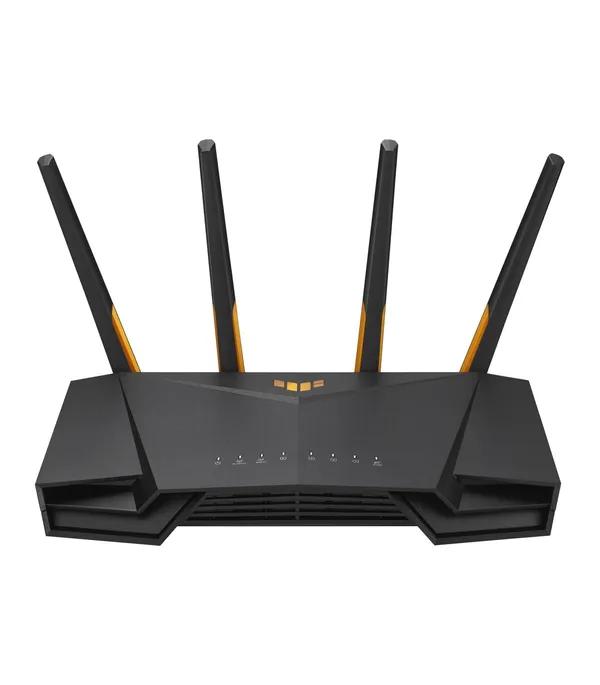
Asus TUF Gaming AX4200 Wi-Fi 6 router — ৳ 17,500
Best routers by budget
The same four bands as a shortlist, with what each one trades away.
Entry
৳ 1,140 – ৳ 2,000
- D-Link DIR-615 300Mbps router — ৳ 1,140
- Cheapest working Wi-Fi here
- Give up: 5 GHz band, gigabit ports
Everyday
৳ 2,000 – ৳ 3,499
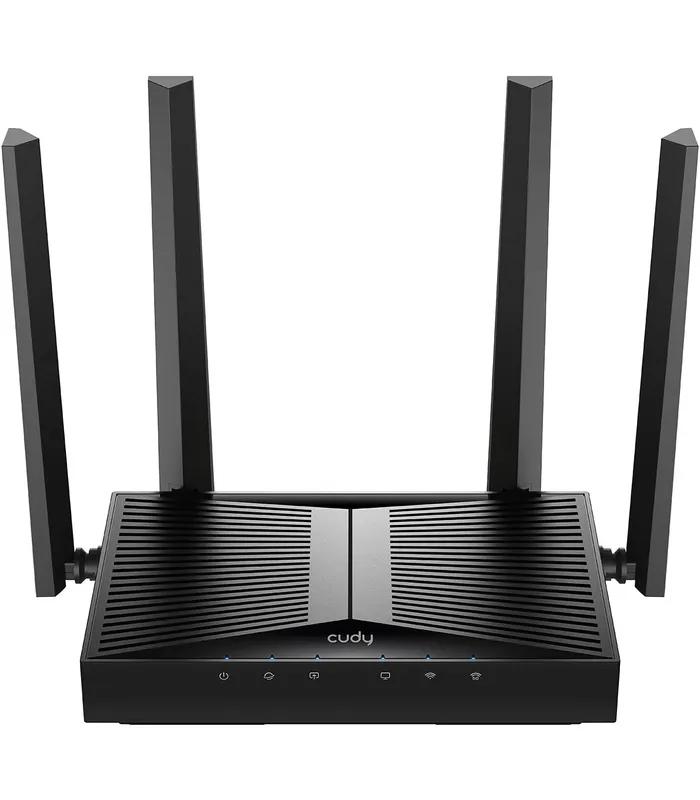
- Cudy WR1500 AX1500 Wi-Fi 6 router — ৳ 3,000
- Cheapest route into Wi-Fi 6
- Give up: mesh expansion headroom
Fibre-ready
৳ 3,500 – ৳ 6,999
- TP-Link Deco X50 AX3000 mesh unit — ৳ 6,500
- Gigabit ports, AX3000 speeds
- Give up: little most homes notice
High end
৳ 7,000 – ৳ 26,000
- Asus RT-AX53U AX1800 router — ৳ 9,200
- Wi-Fi 7, 2.5G ports, gaming QoS
- Give up: value, unless the line is fast
How to set up a router, login, and change your Wi-Fi password
How to set up a router
- Run the supplied cable from your ISP's ONU or modem into the router's blue WAN port, then power both on.
- Join the default Wi-Fi name printed on the sticker under the router.
- Open a browser and go to the setup address on that same sticker.
- Choose your ISP's connection type, usually PPPoE or Dynamic IP.
- Set your own network name and password, save, and let it restart.
How to login to a router
To login to a router, join its network, then type 192.168.0.1 or 192.168.1.1 into your browser. Some brands use a named address such as tplinkwifi.net. The default username and password sit on the router's label, and both should be changed on first login — those defaults are identical on every unit of that model.
How to change the Wi-Fi password on a router
Log in, open Wireless or Wi-Fi Settings, and edit the password field. Pick WPA2-PSK, or WPA3 if all your devices support it, and use at least twelve characters. Save, then reconnect each device. On dual-band models there may be two networks to update.
Where to put it
Put it mid-space, chest height or higher, in the open. Cabinets, almirahs and fridge walls all cost signal. If a corner still drops out, the fix is a mesh unit or a Wi-Fi repeater or range extender, not a bigger antenna.
Router brands available in Bangladesh
Model counts are from the routers listed on this page. No brand leads on everything; the useful question is which has depth at your budget.
| Brand | Models here | Where it is strongest |
|---|---|---|
| TP-Link | 25 | Every band from ৳ 1,860 to ৳ 20,290, plus the widest Deco mesh range. Easiest brand to service locally. |
| Cudy | 16 | Undercuts the big names on Wi-Fi 6 and Wi-Fi 7. Smaller service network, so keep the invoice. |
| Asus | 10 | The upper end: gaming models, AiMesh expansion, mostly above ৳ 9,000. |
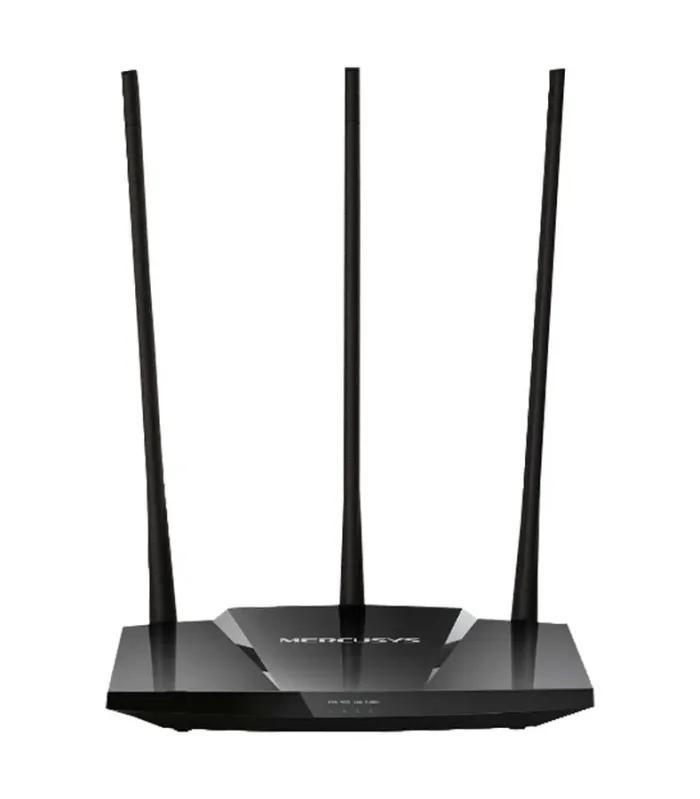
| Totolink | 9 | High-gain antennas cheaply. Good value under ৳ 3,000, thin above. |
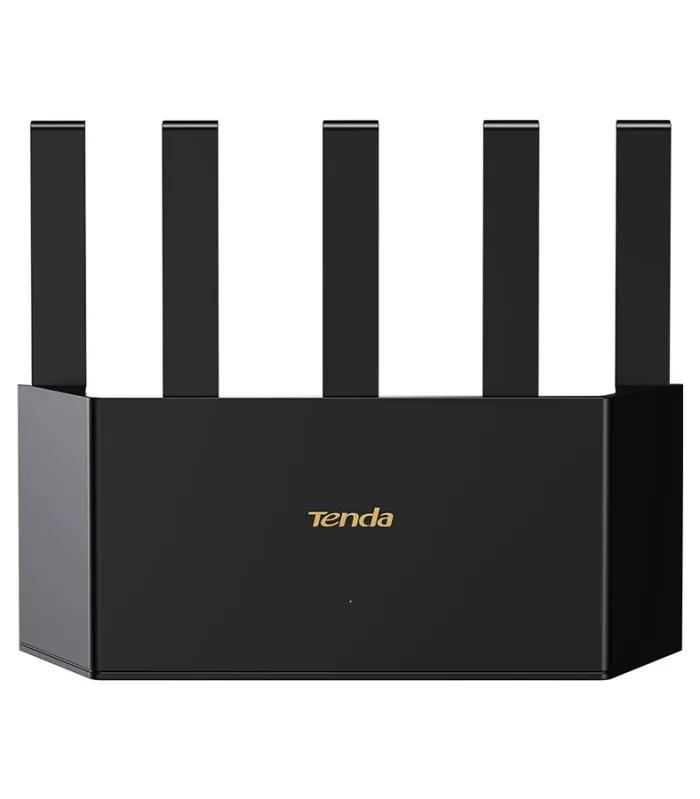
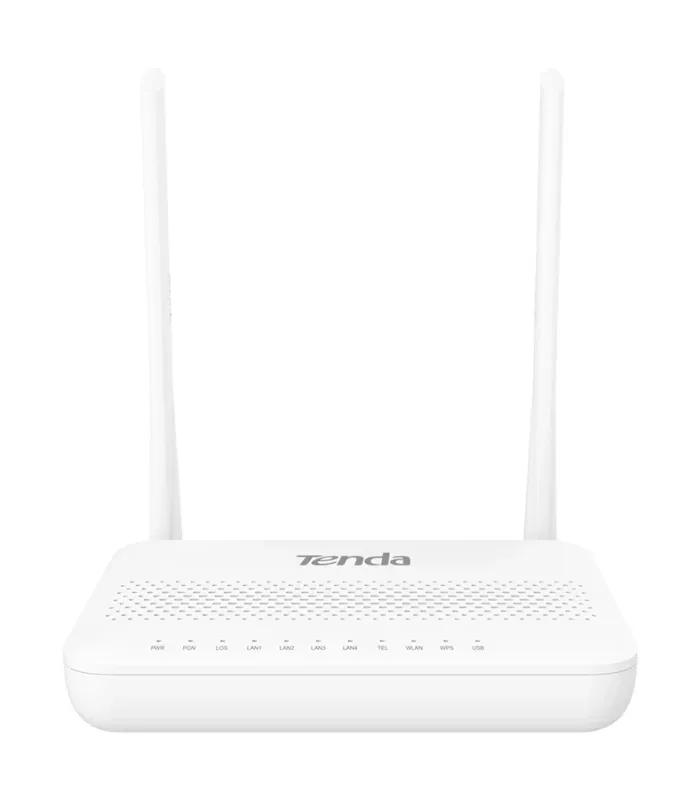
| Tenda | 8 | Simple setup, low prices, including a GPON unit for fibre. |
| Mercusys and D-Link | 7 | The bottom of the ladder, including the ৳ 1,140 floor price here. |
Mistakes that waste money on a router
Buying speed the line cannot feed
An AX3000 router on a 15 Mbps package still gives 15 Mbps. Check the plan, then buy one tier above it, not four.
Counting antennas
Six antennas on a single-band router beat nothing. Bands and Wi-Fi generation decide performance; antennas only shape direction.
Jumping to Wi-Fi 7 too early
Wi-Fi 7 starts at ৳ 7,800 here, but few phones at home use it yet. Wi-Fi 6 is the sensible ceiling for most buyers in 2026.
Throwing away the ONU
Your fibre ISP's box terminates the line. A new router sits behind it unless you buy a GPON model and your ISP allows it.
One big router for a big house
Past 1,800 sq ft or two floors, two cheap mesh nodes beat one expensive router. Power does not travel through an RCC slab.
Leaving the default password
Factory admin logins are public for every model. Change the admin password and the Wi-Fi key on day one, before anything else joins the network.
Buying a router in Bangladesh: power cuts, fibre lines and warranty
Keeping Wi-Fi alive during load shedding
A router on IPS backup is useless if the ISP's ONU is not on the same backup. Together they pull under 20 watts, so a small UPS carries both for hours. Wire them into the same protected socket rather than leaving the ONU on mains.
Fibre, GPON and what your ISP already gave you
Most home fibre packages arrive with a basic ONU with weak built-in Wi-Fi. Leave it in place, put your own router behind it, and switch the ONU's Wi-Fi off. For a single-box setup, look for a GPON model or check the modems and ONU units listing.
Warranty and service
Warranties here usually run one to three years and cover manufacturing faults, not lightning damage or burnt adapters. Service points cluster in Dhaka with limited coverage in Chattogram, so keep the box and invoice — most claims end in replacement, not repair.
Monsoon and surges
Voltage swings kill more routers here than heat does. Use a surge-protected socket, keep the unit off the floor in heavy rain, and leave air around it. If the line comes in overhead, unplug the WAN cable during an electrical storm.
Router FAQ
What is the router price in Bangladesh?
Router prices in Bangladesh on this page run from ৳ 1,140 to ৳ 26,000 across 77 models. The median listing is ৳ 3,470, and the densest group of 25 models sits between ৳ 2,000 and ৳ 3,499, which is where most home buyers land. Under ৳ 2,000 you get single-band 300 Mbps units; above ৳ 7,000 you are paying for mesh kits, Wi-Fi 7 or gaming hardware.
How do I set up a router at home?
Connect the router's WAN port to your ONU or modem with the supplied cable, then power both on. Join the default Wi-Fi name printed on the router's label, open the setup address on that same label in a browser, and choose your ISP connection type, usually PPPoE or Dynamic IP. Set your own network name and password, save, and let the router restart.
How do I login to my router?
Type 192.168.0.1 or 192.168.1.1 into a browser on a device already connected to the router. Some brands use a named address such as tplinkwifi.net printed on the label instead. Enter the default username and password from that same label, then change both immediately, because factory credentials are identical across every unit of a model.
How do I change the Wi-Fi password on a router?
Log in to the admin panel, open Wireless or Wi-Fi Settings, and replace the password in the WPA2 or WPA3 field. Use at least twelve characters, save the change, and reconnect each device with the new password. On dual-band routers there may be two networks to update, one for 2.4 GHz and one for 5 GHz, unless both share a single name.
Which router is best for a 1,500 sq ft flat in Bangladesh?
A dual-band AC1200 router with four antennas covers most 1,500 sq ft flats, and models like the Archer C6 sit at ৳ 3,530. If the layout is long or split by an RCC core wall, a two-unit mesh kit from around ৳ 7,490 will beat any single router at the same price. Count the walls, not just the floor area.
Will my router work during load shedding?
Only if both the router and your ISP's ONU are connected to backup power. A router alone on IPS gives you Wi-Fi with no internet behind it. Together the two devices draw under 20 watts, so a small UPS or one protected IPS socket will keep the connection up for several hours during a cut.
Is a dual-band router worth it in Bangladesh?
Yes, if more than about six devices share your connection or you stream and take video calls. The 5 GHz band carries those devices at higher speed while 2.4 GHz keeps reach through walls. Dual-band models start near ৳ 2,050 here, so the step up from single-band costs only a few hundred taka.
Which router brand is best in Bangladesh?
TP-Link has the widest range in Bangladesh, with 25 of the 77 routers listed on this page and models in every price band. Cudy is the value pick for Wi-Fi 6 and Wi-Fi 7, Asus owns the gaming end above ৳ 9,000, and Tenda, Totolink and Mercusys compete hardest below ৳ 3,000.
Do I need a Wi-Fi 6 router in 2026?
Only if your broadband is above roughly 100 Mbps or you keep more than fifteen devices connected. Wi-Fi 6 improves how a router handles crowding rather than the top speed of any one device. Entry Wi-Fi 6 models start at ৳ 3,000 here, so the upgrade is cheap if your line and devices can use it.
Is a mesh router better than a Wi-Fi extender?
A mesh system is better for whole-home coverage because every unit shares one network name and your devices move between them without dropping. An extender is cheaper but usually halves throughput and creates a second network you must switch to manually. Mesh kits here start at ৳ 7,490 for two units.
Narrow it down
Set your band with the price filter above, then cut the list with the brand filter. Torn between two? Compare the Archer C54 at ৳ 2,330 against the Cudy WR1500 at ৳ 3,000 — that ৳ 670 gap is the whole Wi-Fi 5 to Wi-Fi 6 decision.
Building the rest of the network too? Add a wireless access point for a second floor, a network hub or switch for wired desks, or check laptops in Bangladesh if the machine at the other end is the real bottleneck.