

Motherboard Price in Bangladesh: Pick the Socket Before the Price
Motherboard price in Bangladesh on this page runs from ৳ 9,130 to ৳ 199,000 across 14 boards. The spread is less about quality than about which processor each board accepts, and that decides most of your build.
So start with the chip, not the board. If you have already picked a CPU, check its socket in our desktop processor range: LGA1700, LGA1851, AM4 or AM5. Then use the filters above to show only boards with that socket. Fourteen options drop to three or four, and every one of them will actually work with your processor.
Below: what each price band buys, which chipset suits whom, and the mistakes that send boards back. Pricing a full machine? The wider PC components catalogue keeps every part in one place.
Motherboard Price List in Bangladesh 2026
Every price below is the current listed price on this page, cheapest first. Sale prices are shown where a board is discounted.
| Motherboard | Socket / chipset | Best for | Price |
|---|---|---|---|
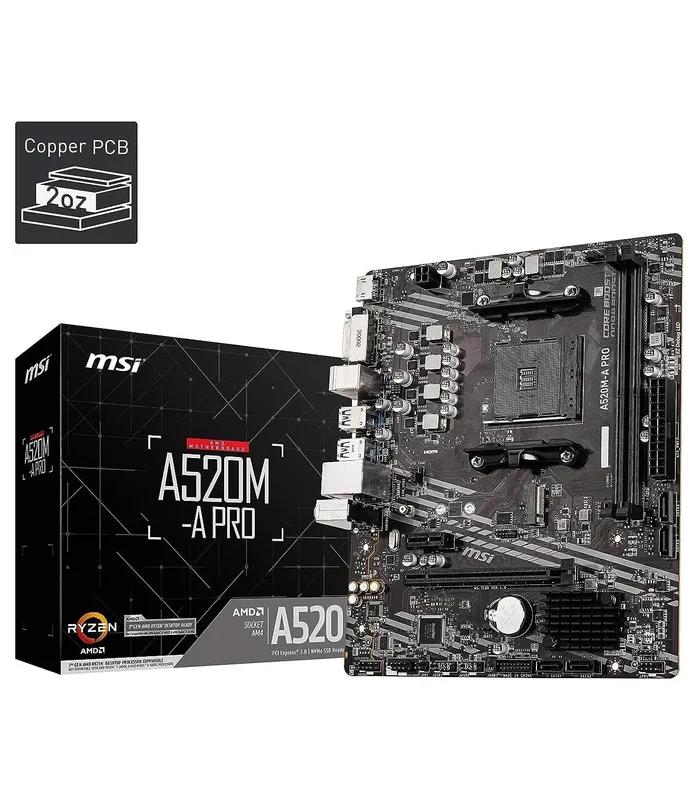
| MSI A520M-A PRO Micro-ATX | AM4 / A520 | Ryzen 5000 office or budget PC | ৳ 9,130 |
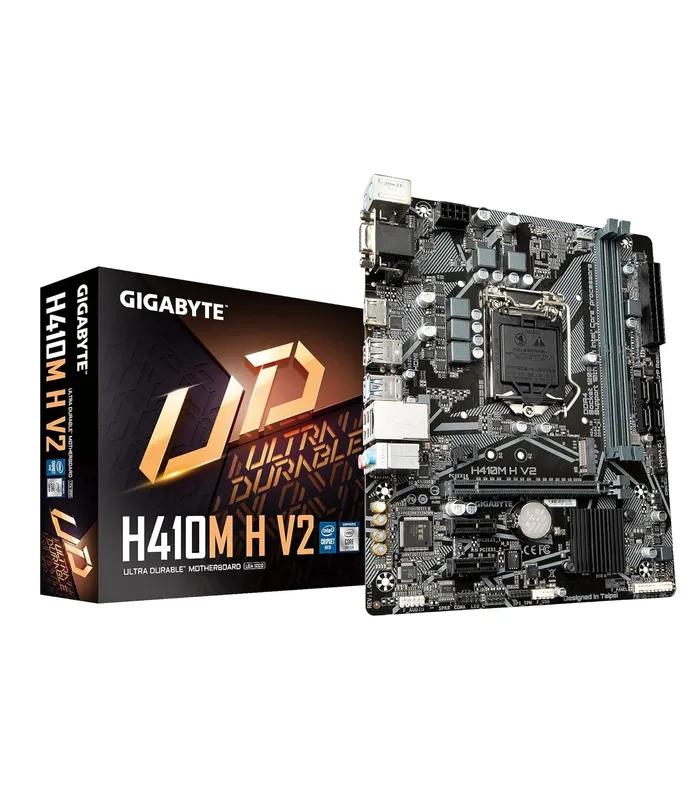
| GIGABYTE H410M H V2 | LGA1200 / H410 | Repairing a 10th Gen Intel PC | ৳ 9,550 |
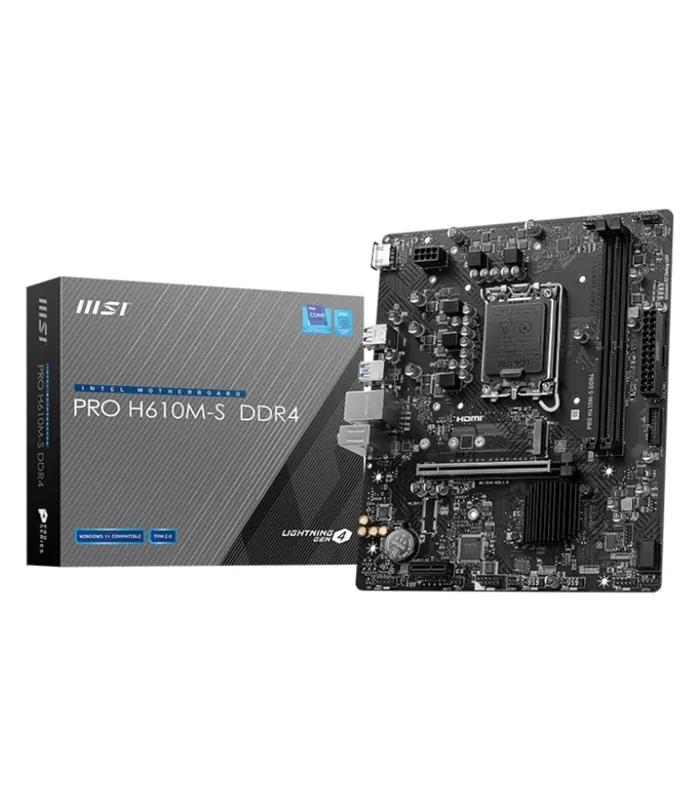
| MSI PRO H610M-S DDR4 | LGA1700 / H610 | Budget Intel 12th–14th Gen build | ৳ 10,450 |
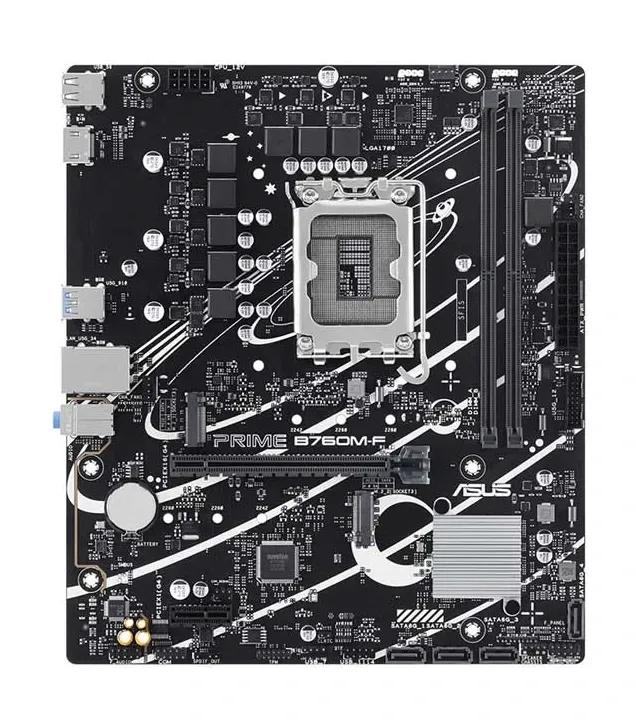
| Asus PRIME B760M-F | LGA1700 / B760 | Mainstream Intel build | ৳ 14,500 |
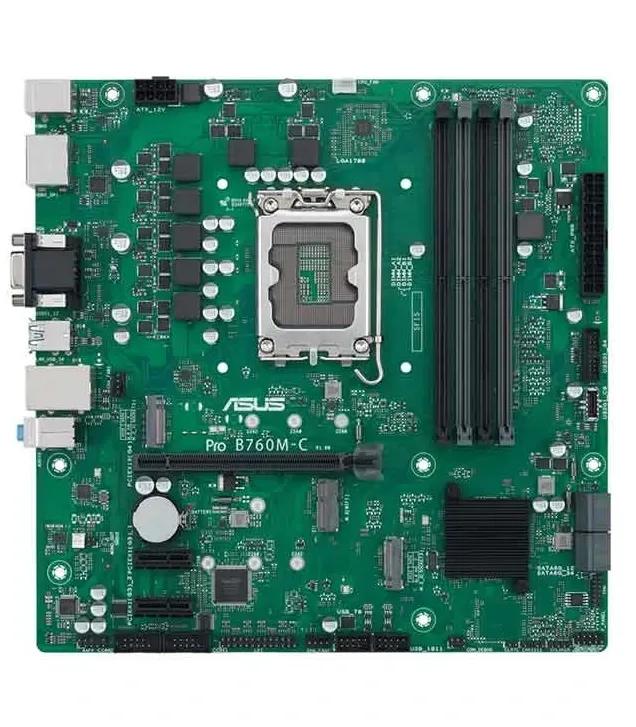
| Asus Pro B760M-C-CSM | LGA1700 / B760 | Office and business desktops | ৳ 17,200 |
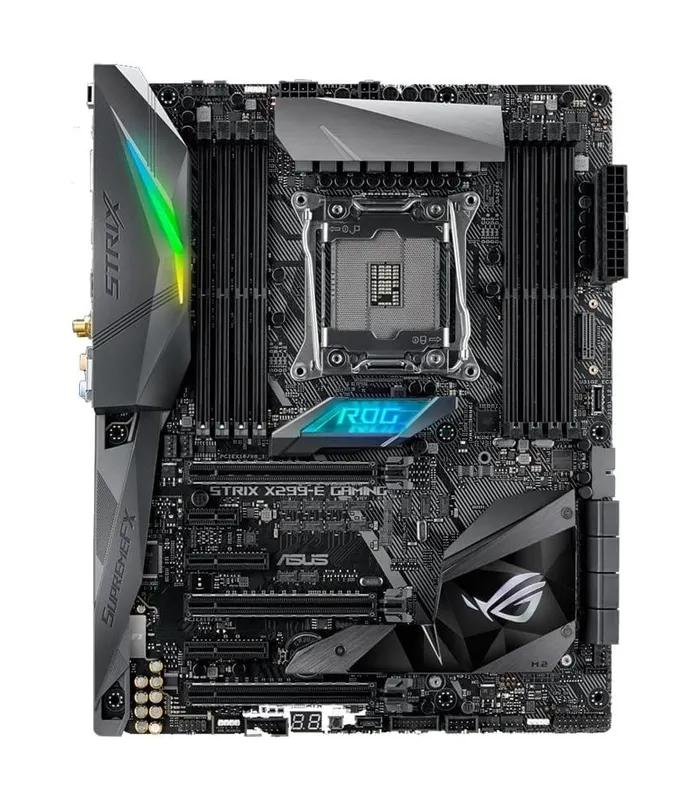
| Asus ROG STRIX X299-E GAMING | LGA2066 / X299 | Upgrading an existing X299 system | ৳ 35,980 |
| Asus Z890 AYW Gaming WiFi | LGA1851 / Z890 | Entry Core Ultra gaming | ৳ 43,200 |
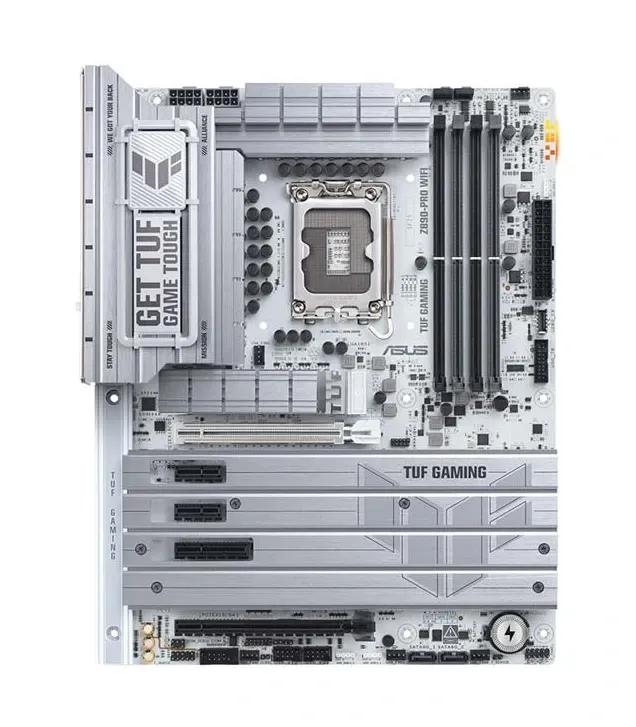
| Asus TUF GAMING Z890-PRO WIFI | LGA1851 / Z890 | Durable gaming build | ৳ 53,200 |
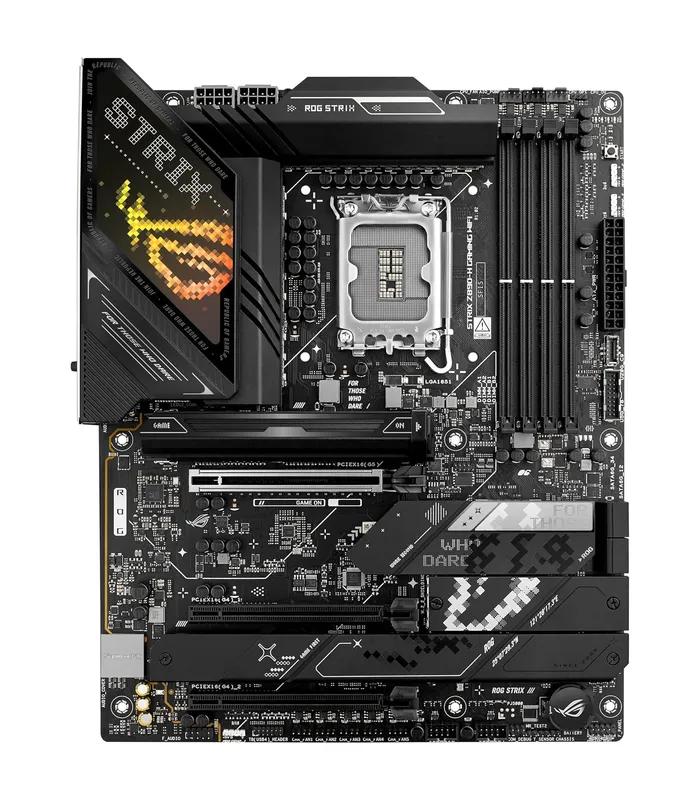
| Asus ROG STRIX Z890-H GAMING WIFI | LGA1851 / Z890 | Mid-to-high gaming | ৳ 58,000 |
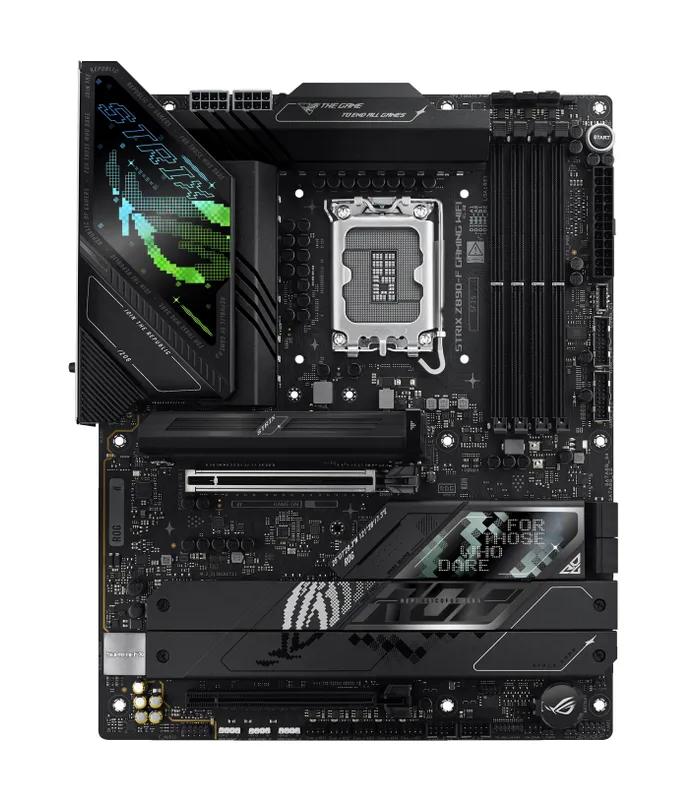
| Asus ROG STRIX Z890-F GAMING WIFI | LGA1851 / Z890 | High-end gaming and overclocking | ৳ 68,500 |
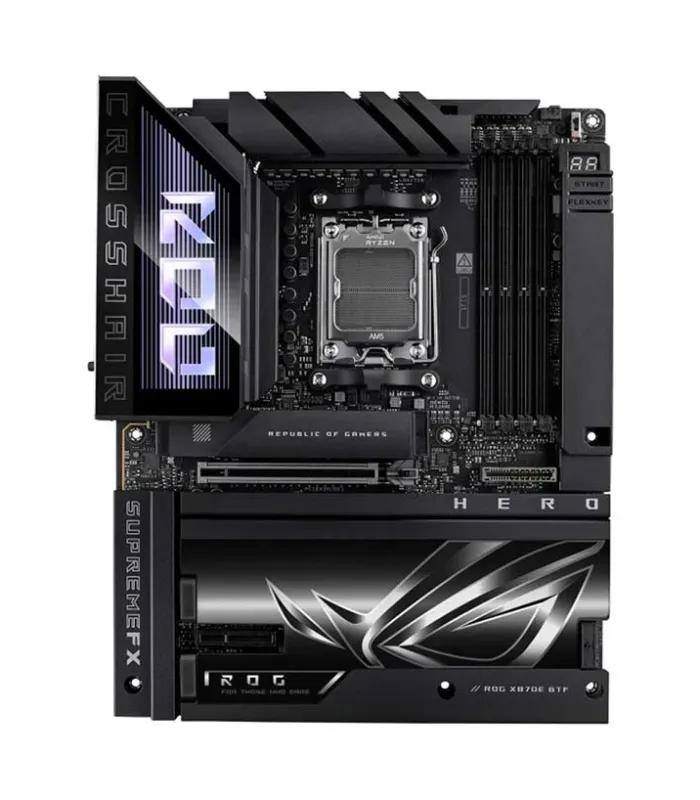
| Asus ROG CROSSHAIR X870E HERO BTF | AM5 / X870E | Hidden-cable AM5 flagship | ৳ 105,500 |
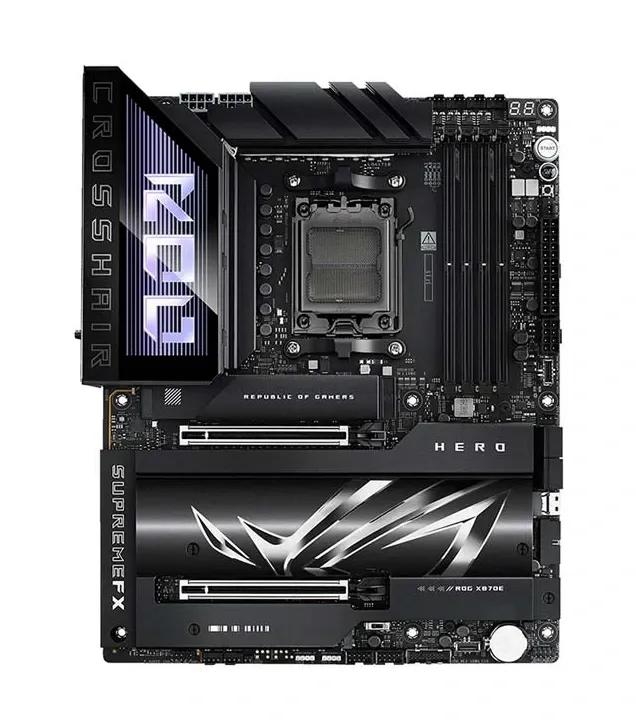
| Asus ROG CROSSHAIR X870E HERO | AM5 / X870E | High-end Ryzen gaming | ৳ 113,300 |
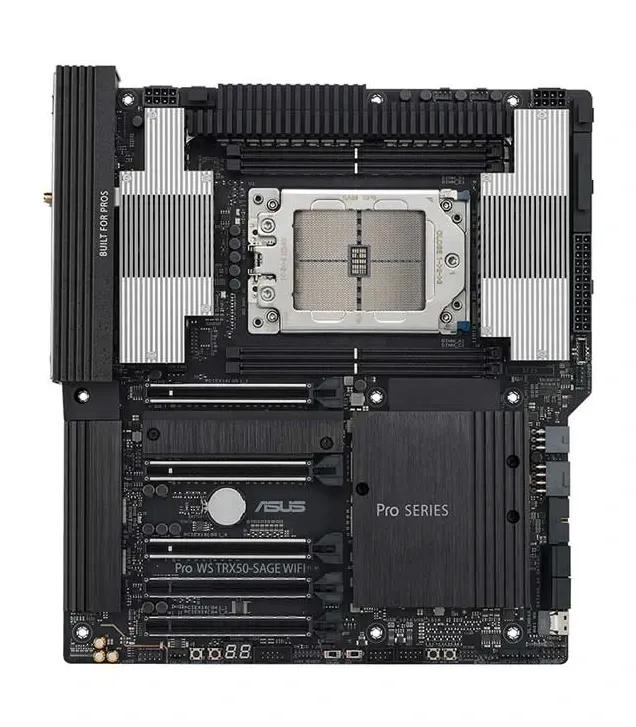
| Asus Pro WS TRX50-SAGE WIFI | sTR5 / TRX50 | Threadripper workstation | ৳ 130,500 |
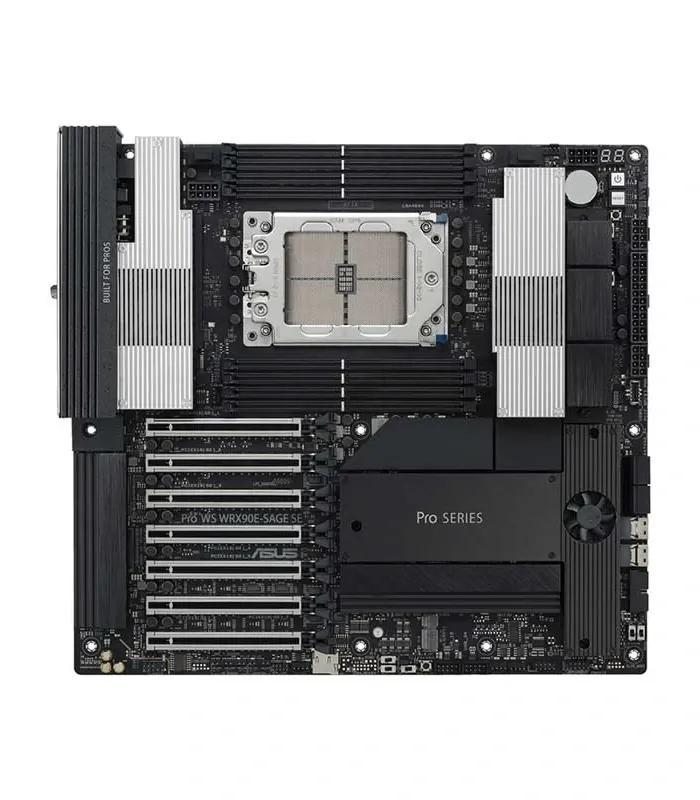
| Asus Pro WS WRX90E-SAGE SE workstation board | sTR5 / WRX90 | Threadripper PRO workstation | ৳ 199,000 |
Nothing sits between ৳ 17,200 and ৳ 35,980, or between ৳ 68,500 and ৳ 105,500. Those gaps split the market into everyday, gaming, and flagship or workstation boards.
Intel and AMD Motherboards: Which Socket Fits Your Processor
A board only accepts processors built for its socket; the chipset decides the extras. Find your processor family below.
Intel LGA1700 (12th–14th Gen)
The most common Intel socket in Bangladesh right now. H610 is the cheapest way in; B760 adds more M.2 slots and faster memory support. Neither lets you overclock the processor. Some LGA1700 boards take DDR4 and others DDR5, never both, so read the listing.
Suggested
Asus Pro B760M-C-CSM 13th Gen board — ৳ 17,200
Intel LGA1851 (Core Ultra)
Intel's newest desktop socket, for Core Ultra 5, 7 and 9 desktop chips. Every LGA1851 board here uses the Z890 chipset, which supports overclocking on unlocked K models and takes DDR5 only. A 14th Gen processor will not fit.
Suggested
Asus TUF Gaming Z890-PRO WIFI — ৳ 53,200
AMD AM4 (Ryzen 1000–5000)
Still the cheapest route to a capable Ryzen PC. A520 is the basic chipset: fine for a Ryzen 5 office or light gaming build, but it cannot overclock and runs PCIe 3.0. AM4 uses DDR4 memory, which keeps the total build cost down.
AMD AM5 (Ryzen 7000–9000)
AMD's current socket, built for DDR5 only. Our AM5 stock is high-end X870E at the moment, so there is no budget AM5 board on this page yet. Budget for a DDR5 kit from our DDR4 and DDR5 RAM range as well. The BTF version moves its connectors to the back and needs a compatible case.
Suggested
ROG Crosshair X870E Hero BTF — ৳ 105,500
Threadripper sTR5 (workstation)
TRX50 takes Threadripper 7000 chips; WRX90 takes Threadripper PRO 7000 WX with more memory channels. Both need registered ECC DDR5, not ordinary desktop sticks. These boards are for rendering, simulation and AI work, not gaming.
Suggested
Asus Pro WS TRX50-SAGE WIFI — ৳ 130,500
Older Intel: LGA1200 and LGA2066
These are repair and upgrade parts. The H410M H V2 fits 10th Gen Core chips, and the ROG Strix X299-E fits Core X-series processors. Buy one to revive a PC you already own, not to start a new build.
Suggested
GIGABYTE motherboards — from ৳ 9,550
Best Motherboard for Your Budget in Bangladesh
These four bands come straight from the listed prices, not from round numbers. Pick your band, then pick the board that matches your socket.
Budget
৳ 9,130 – ৳ 10,450
- MSI A520M-A PRO for Ryzen 5000 at ৳ 9,130
- GIGABYTE H410M H V2 10th Gen board at ৳ 9,550
- MSI PRO H610M-S for Intel 12th–14th Gen at ৳ 10,450
Mainstream
৳ 14,500 – ৳ 17,200
- Asus PRIME B760M-F at ৳ 14,500
- Asus Pro B760M-C-CSM at ৳ 17,200
- Pairs well with a Core i5 and a mid-range card
Gaming
৳ 35,980 – ৳ 68,500
- Asus Z890 AYW Gaming WiFi at ৳ 43,200
- ROG Strix Z890-H Gaming WiFi at ৳ 58,000
- ROG Strix Z890-F Gaming WiFi at ৳ 68,500
- ROG Strix X299-E at ৳ 35,980, for X299 owners only
Flagship and workstation
৳ 105,500 – ৳ 199,000
- X870E Hero BTF at ৳ 105,500
- X870E Hero at ৳ 113,300
- Pro WS TRX50-SAGE WIFI at ৳ 130,500
- Pro WS WRX90E-SAGE SE at ৳ 199,000
Gaming motherboard price matters less than most buyers think. Frame rates come from the graphics card, so a B760 board with a stronger card from our graphics card range beats a Z890 board with a weaker one in nearly every game.
ASUS, MSI and GIGABYTE Motherboard Prices Compared
Our current stock leans heavily toward one brand.
| Brand | Boards here | Price range | Where it fits |
|---|---|---|---|
| ASUS motherboards | 11 | ৳ 14,500 – ৳ 199,000 | Every band above budget: PRIME and Pro for office, TUF and ROG Strix for gaming, Pro WS for workstations |
| MSI motherboard deals | 2 | ৳ 9,130 – ৳ 10,450 | The two cheapest new boards here, one AMD and one Intel |
| GIGABYTE | 1 | ৳ 9,550 | One 10th Gen board for repairs and upgrades |
No brand is best at everything. ASUS has the range here, but if you only need a working AMD or Intel build, both MSI boards undercut the cheapest ASUS by several thousand taka. Within ASUS, PRIME and Pro are businesslike, TUF focuses on durability, and ROG is the premium gaming line.
Buying a Motherboard in Bangladesh: Warranty, Power and BIOS
Official stock versus grey import
Boards that come through a brand's authorised local distributor can be claimed under warranty here. Grey-import boards look identical but may have no local cover at all. Read the warranty line on each listing, ask the seller which channel it came through, and keep both the invoice and the box.
Load-shedding and voltage swings
Motherboards rarely die from heat. They die from the surge when power returns after a cut, passed through a cheap power supply. Pair any board with a branded unit from our power supply range and run the PC on a UPS so it can shut down cleanly.
Check the BIOS before the processor
A board with the right socket may still need a BIOS update to run a newer chip. Many boards can flash the BIOS from a USB stick without a processor fitted, but not all. Confirm with the seller before pairing a brand-new CPU with an older board.
Humidity and handling
Keep the board in its anti-static bag until installation day, especially during the monsoon. Moisture on pins causes slow, hard-to-trace faults. Prefer to skip the compatibility work? A ready-built desktop PC avoids it entirely.
Six Motherboard Buying Mistakes to Avoid
Buying the board first
The processor decides the socket. Choose the CPU, then the board. Reversing the order is how people end up with an LGA1700 board and a Core Ultra chip.
Mixing DDR4 and DDR5
The slots are physically different. A DDR5 kit will not seat in a DDR4 board, and no adapter exists. Match the memory type printed in the board's name or specs.
Paying for unused overclocking
Z890 and X870E unlock overclocking. If you run a non-K Intel chip at stock speed, much of that extra cost buys features you will never switch on.
Ignoring case size
ATX boards will not fit a Micro-ATX case, and BTF boards need rear cut-outs. Check the form factor against our PC case range before you order.
Starting fresh on a dead platform
Boards like the ROG Strix X299-E for Core X-series make sense only for owners of that platform. New processors for it are no longer being made.
Forgetting storage slots
Count your drives first. If you plan two NVMe drives from our NVMe and SATA SSD range, make sure the board has two M.2 slots.
Motherboard Questions Buyers in Bangladesh Ask
What is the motherboard price in Bangladesh?
Motherboard prices on this page run from ৳ 9,130 to ৳ 199,000 across 14 boards. The cheapest is the MSI A520M-A PRO for AMD AM4 at ৳ 9,130, and mainstream Intel boards like the Asus PRIME B760M-F cost ৳ 14,500. Z890 gaming boards start at ৳ 43,200, and Threadripper workstation boards run from ৳ 130,500 to ৳ 199,000.
How much does a gaming motherboard cost in Bangladesh?
A gaming motherboard here starts at ৳ 43,200 for the Asus Z890 AYW Gaming WiFi, an LGA1851 board for Intel Core Ultra chips. The ROG Strix Z890-H and Z890-F cost ৳ 58,000 and ৳ 68,500. On AMD, the ROG Crosshair X870E Hero costs ৳ 105,500 to ৳ 113,300. For a budget gaming PC, a B760 board from ৳ 14,500 is enough.
Which motherboard is compatible with my processor?
Match the socket first. Intel 12th, 13th and 14th Gen chips need an LGA1700 board, Intel Core Ultra desktop chips need LGA1851, Ryzen 1000 to 5000 need AM4, and Ryzen 7000 to 9000 need AM5. Then confirm the chipset supports your exact chip, because an older board may need a BIOS update before a newer processor will boot.
Should I buy a DDR4 or DDR5 motherboard?
Buy DDR5 for a new build and DDR4 only to save money or reuse memory you already own. LGA1851 and AM5 boards are DDR5 only, while AM4 boards and some LGA1700 boards use DDR4. DDR4 kits cost less today, but DDR5 boards give you a longer upgrade path. The two types cannot be mixed on one board.
Can I use an AM4 processor on an AM5 motherboard?
No. AM4 and AM5 use different sockets and different memory, so a Ryzen 5000 chip will not fit an AM5 board. If you already own an AM4 processor, an AM4 board such as the MSI A520M-A PRO at ৳ 9,130 is the cheapest fix. Moving to AM5 means buying a new processor, a new board and DDR5 memory together.
Which motherboard is best for Intel 12th, 13th and 14th Gen?
An LGA1700 board with the B760 chipset suits most buyers. The Asus PRIME B760M-F costs ৳ 14,500 and the Asus Pro B760M-C-CSM costs ৳ 17,200. If budget is tight, the MSI PRO H610M-S DDR4 at ৳ 10,450 runs the same processors with fewer slots and no memory overclocking. Pick H610 for office PCs and B760 for gaming.
What is the difference between B760 and Z890 motherboards?
They fit different processors. B760 boards use the LGA1700 socket for Intel 12th to 14th Gen chips and cannot overclock the CPU. Z890 boards use LGA1851 for Intel Core Ultra chips, unlock CPU overclocking and take DDR5 only. On this page, B760 boards cost ৳ 14,500 to ৳ 17,200, and Z890 boards cost ৳ 43,200 to ৳ 68,500.
Do motherboards come with warranty in Bangladesh?
Yes, when the board is imported through the brand's authorised distributor for Bangladesh. Those boards carry a local warranty you can claim here, and the length varies by brand and seller, so check each listing. Grey-import boards may have no local cover. Keep the invoice and original box, because most board claims need both.
Can load-shedding damage a motherboard?
Yes. The voltage surge when power returns after a cut can damage a board, especially when it is fed by a cheap power supply. A branded power supply with an 80 PLUS rating and a UPS for a clean shutdown are the two best protections. They cost far less than replacing a ৳ 14,500 board and the processor sitting in it.
Which motherboard brand is best in Bangladesh?
No single brand is best at every price. On this page, ASUS covers the most ground with 11 boards from ৳ 14,500 to ৳ 199,000, including gaming and workstation models. MSI offers the two cheapest new boards at ৳ 9,130 and ৳ 10,450. GIGABYTE has one 10th Gen board for repairs. Choose by socket and features, then compare brands.
Compare Two Boards Before You Add One to the Cart
Set the socket filter above first, then open two candidates side by side and compare memory type, M.2 slots and rear ports.
Torn between platforms? Put the Asus Z890 AYW Gaming WiFi for Intel next to the ROG Crosshair X870E Hero for AMD and check what the price difference actually buys. On a tighter budget, compare the two B760 boards the same way.