

SSD price in Bangladesh: what ৳1,700 to ৳16,500 buys you
SSD price in Bangladesh on this page starts at ৳1,700 for a 120GB Adata M.2 SATA stick and tops out at ৳16,500 for a 1TB PNY rugged portable drive. Before you compare a single price, settle one question: does your laptop or PC take a 2.5-inch SATA drive, an M.2 SATA stick or an M.2 NVMe stick? A drive that does not fit your slot is worth nothing at any price.
The 14 listings split cleanly into two groups. Ten are internal drives between ৳1,700 and ৳5,800, from 120GB to 500GB. Four are USB portable drives between ৳9,220 and ৳16,500, for backups and for carrying files between machines. Pick the group, then the capacity, then the brand, in that order.
Coming from a hard drive? Any internal drive below will feel transformative. Choosing between two SSDs? Read on.
SSD price list in BD by capacity, with cost per GB
Cost per gigabyte is the fairest way to compare drives of different sizes, and on this page it swings from about ৳9 to ৳20 per GB. The cheapest drive is not the best value.
| Drive | Type | Price | Per GB |
|---|---|---|---|
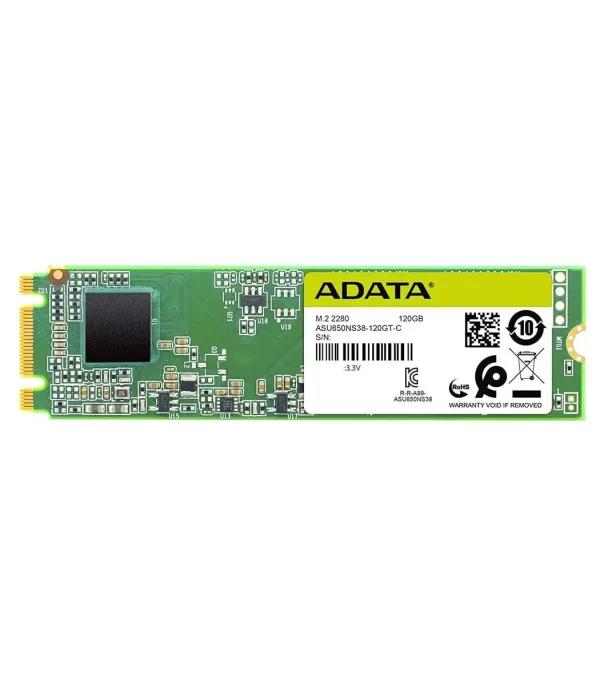
| Adata SU650 120GB | M.2 SATA | ৳1,700 | ৳14.2 |
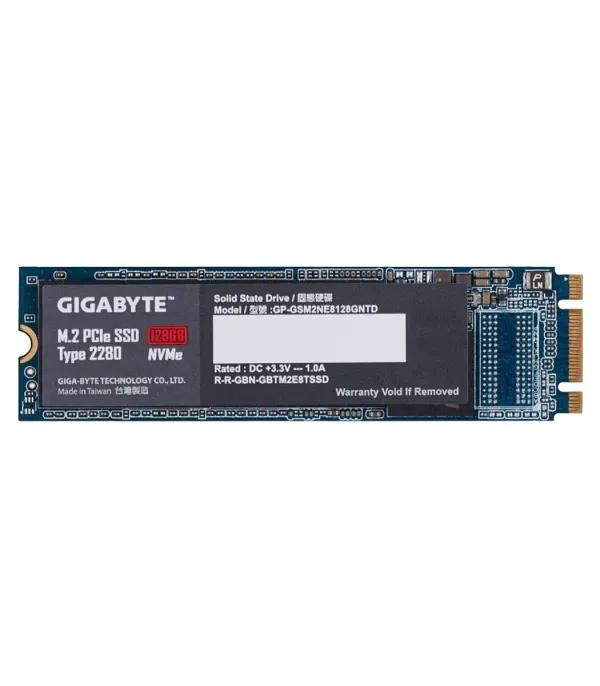
| Gigabyte 128GB NVMe SSD | NVMe | ৳2,170 | ৳17.0 |
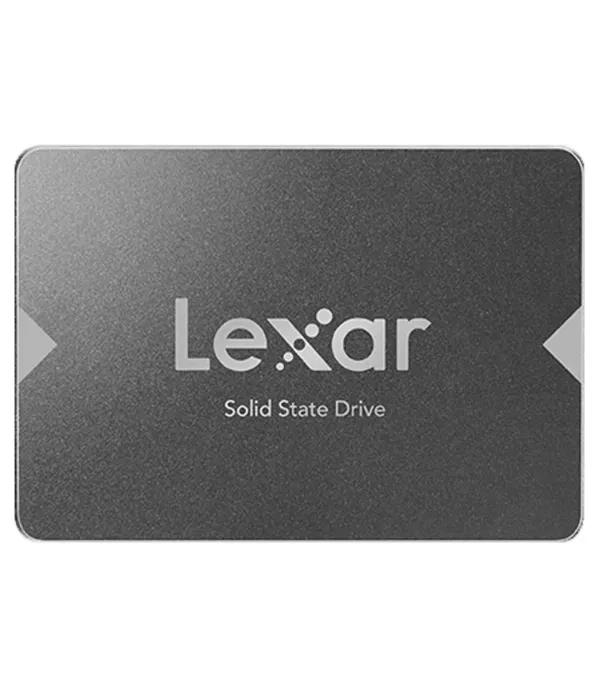
| Lexar NS100 128GB SATA SSD | SATA III | ৳2,200 | ৳17.2 |
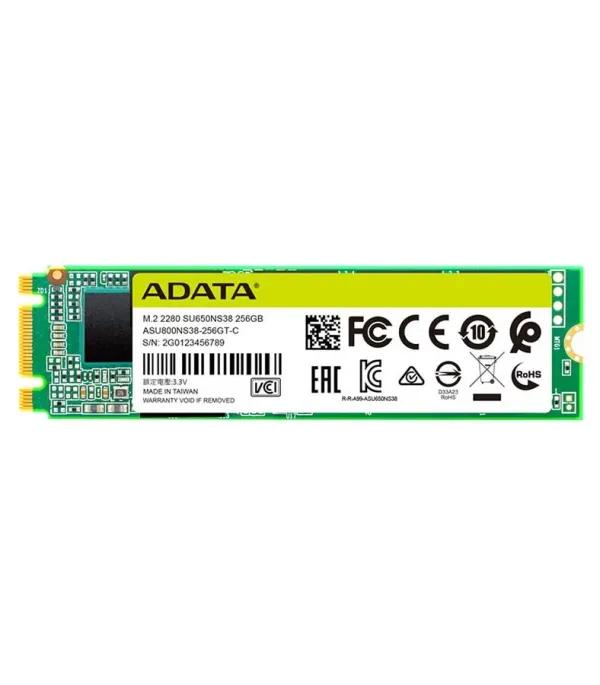
| Adata SU650 240GB M.2 SATA | M.2 SATA | ৳2,200 | ৳9.2 |
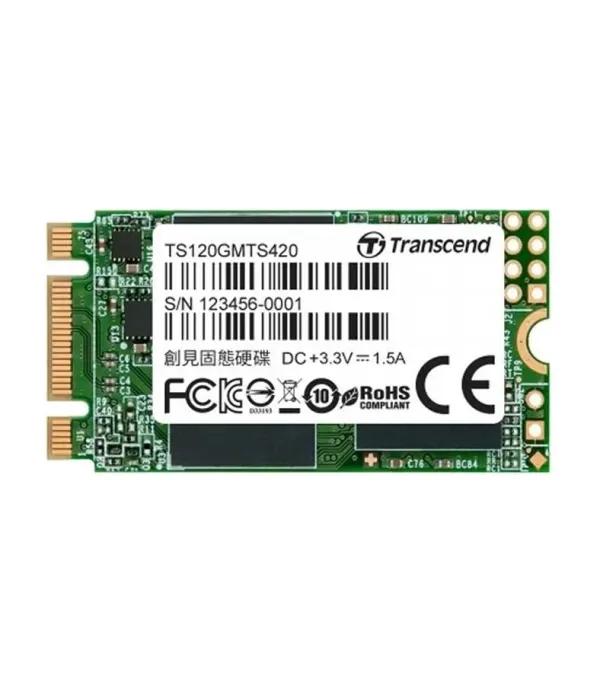
| Transcend 420S 120GB | M.2 SATA | ৳2,440 | ৳20.3 |
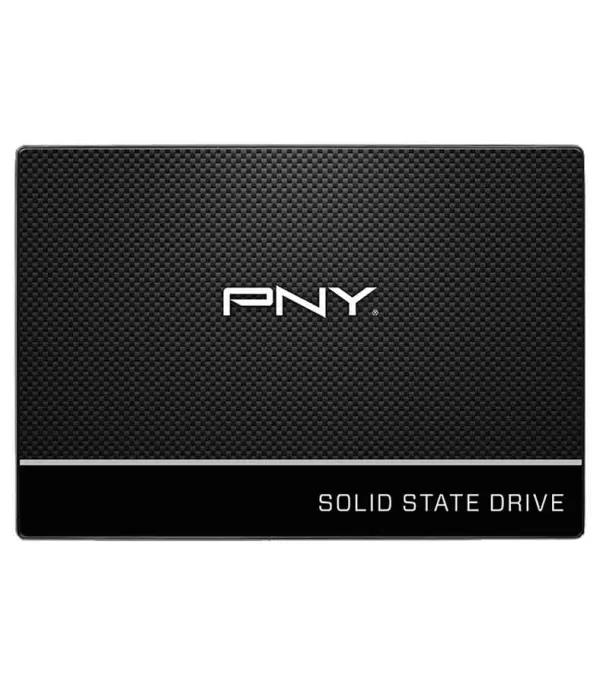
| PNY CS900 250GB | 2.5-inch SATA | ৳3,001 | ৳12.0 |
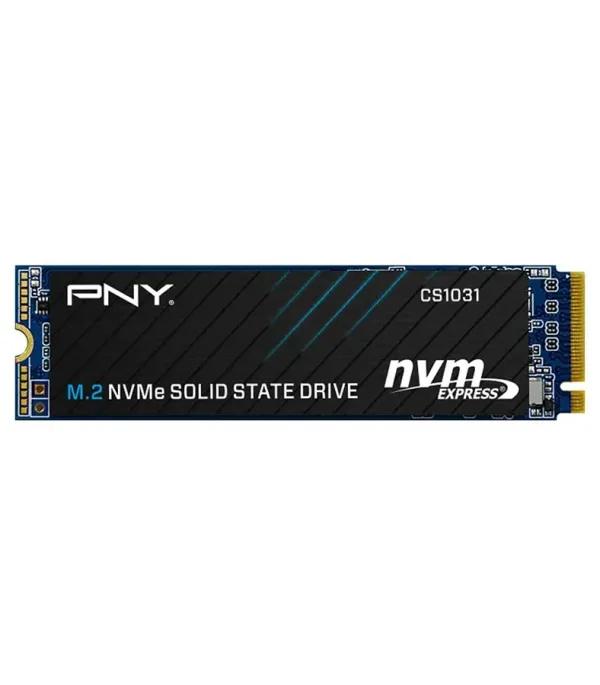
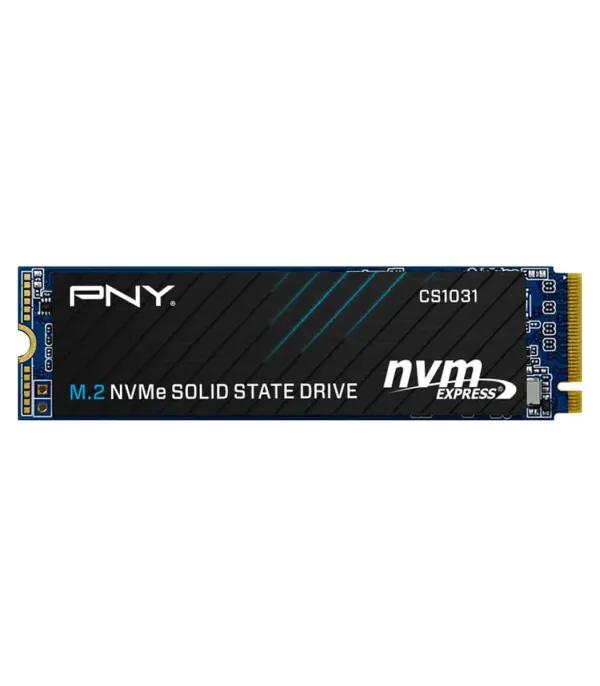
| PNY CS1031 256GB | M.2 NVMe Gen3 | ৳3,500 | ৳13.7 |
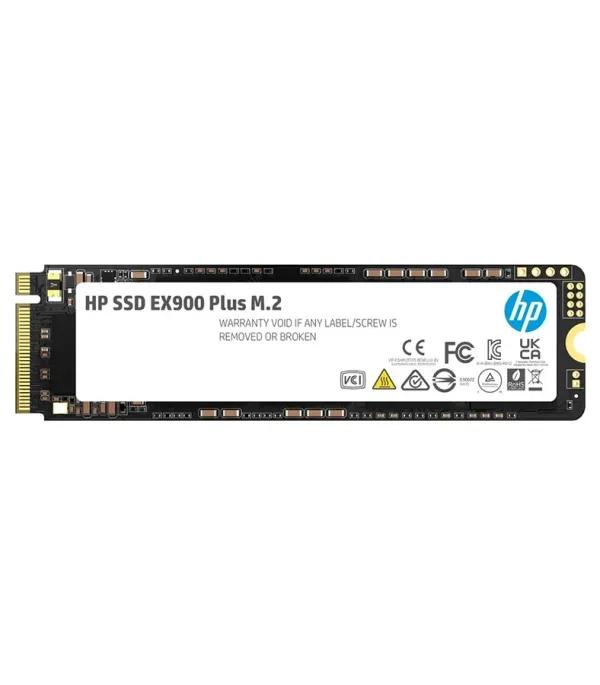
| HP EX900 Plus 256GB | M.2 NVMe Gen3 | ৳3,580 | ৳14.0 |
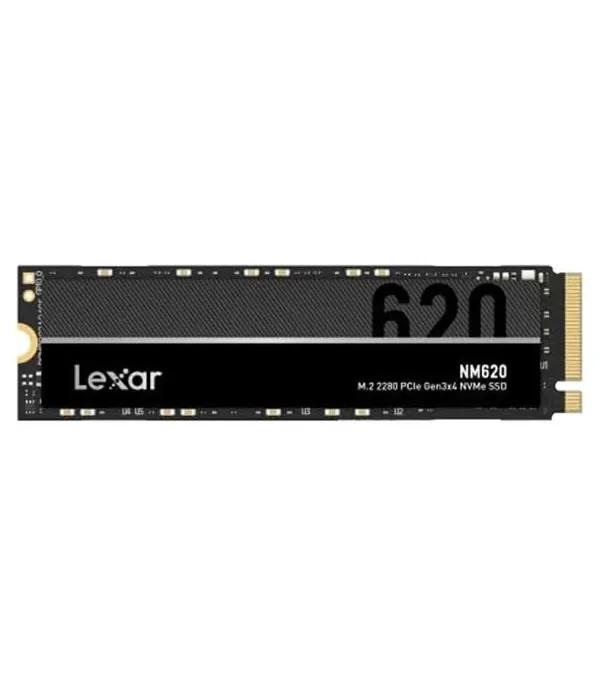
| Lexar NM620 256GB | M.2 NVMe Gen3 | ৳4,300 | ৳16.8 |
| 500GB NVMe SSD from PNY | M.2 NVMe Gen3 | ৳5,800 | ৳11.6 |
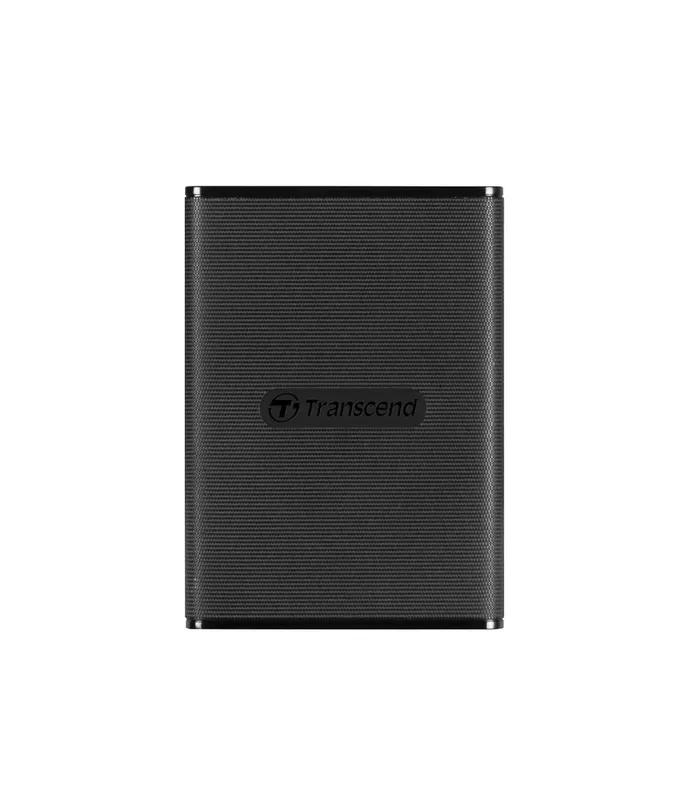
| Transcend 270C 500GB | USB portable | ৳9,220 | ৳18.4 |
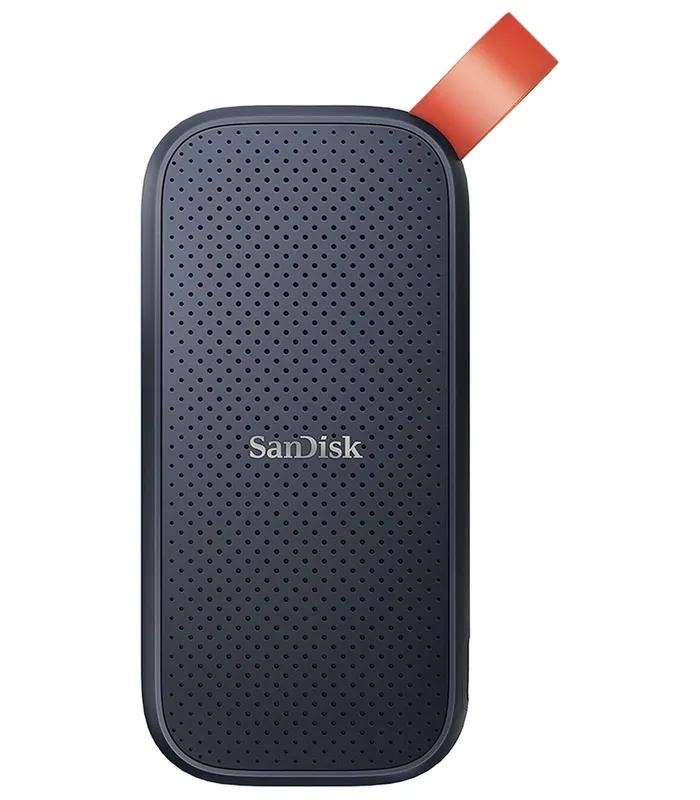
| SanDisk 1TB | USB-C portable | ৳12,100 | ৳12.1 |
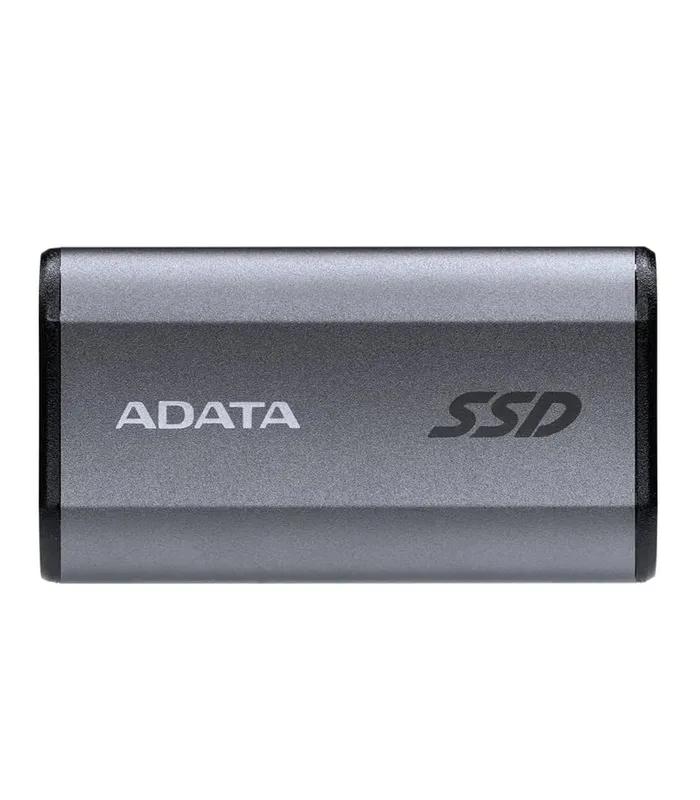
| Adata SE880 1TB | USB-C portable | ৳12,100 | ৳12.1 |
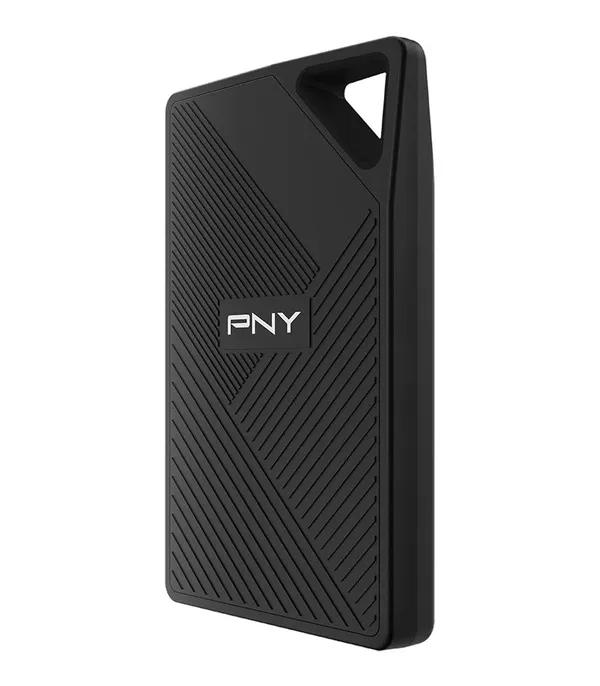
| PNY RP60 1TB | USB-C portable | ৳16,500 | ৳16.5 |
Two numbers stand out. The 240GB Adata SU650 is the value leader at roughly ৳9 per GB, cheaper per gigabyte than every 120GB and 128GB drive here. The 500GB PNY CS1031 is the only internal drive above 256GB, at under ৳12 per GB. No internal 1TB drive is listed right now, so if you need that much space in a single drive, the 1TB portables are the only option on this page.
SATA, M.2 or NVMe: check the slot before the price
M.2 is a shape, not a speed. The Adata SU650 and Transcend 420S on this page are M.2 sticks that talk over SATA, so they run at SATA speed in any slot, and some NVMe-only slots will not detect them at all. Match the drive to what your slot accepts, not to how it looks.
2.5-inch SATA: the hard-drive swap
Same size and cables as a laptop hard drive, so it drops into almost any desktop and any older laptop with a drive bay. Speed tops out near 550MB/s, which still feels transformative next to a spinning disk.
Suggested
M.2 SATA: small stick, SATA speed
Looks like an NVMe drive but uses the SATA protocol. It suits laptops and boards whose M.2 slot supports SATA, which is common on older models. The Adata SU650 240GB is rated at 550MB/s read and uses 3D TLC flash.
Suggested
Transcend 420S 120GB M.2 SATA stick — ৳2,440
M.2 NVMe Gen3: the modern default
Talks to the processor over PCIe lanes instead of SATA. The three 256GB NVMe drives here are rated at 1,700MB/s (PNY CS1031), 2,000MB/s (HP EX900 Plus, per its spec table) and 3,300MB/s (Lexar NM620) for reads. Any laptop with an NVMe slot runs them at full speed.
Suggested
PNY CS1031 256GB NVMe Gen3 — ৳3,500
Portable USB SSD: storage that travels
Not a boot-drive upgrade, but the fastest way to back up or move files. Speed depends on the port as much as the drive: the Transcend 270C is listed at 520MB/s, while the PNY RP60 is listed at up to 2,000MB/s over USB-C.
Suggested
Transcend 270C 500GB portable with Type-C and Type-A cables — ৳9,220
Not sure which slot you have? Search your laptop model number together with the words "M.2 NVMe", or open the storage page of your motherboard manual. Building a new desktop instead? Most current boards in motherboards for your build carry at least one M.2 NVMe slot, but check the spec line before you pair a drive.
Best SSD for your budget: four bands from real listings
These bands follow the capacity clusters on this page. Prices overlap at ৳2,200 because a 128GB SATA drive and a 240GB M.2 SATA stick cost the same, which is a strong reason to take the bigger one.
Boot drive only
৳1,700 – ৳2,440
- Adata SU650 120GB — ৳1,700
- Gigabyte 128GB NVMe — ৳2,170
- Lexar NS100 128GB — ৳2,200
- Windows and a few apps only; keep files elsewhere
Everyday main drive
৳2,200 – ৳4,300
- Adata SU650 240GB — ৳2,200
- PNY CS900 250GB — ৳3,001
- HP EX900 Plus 256GB NVMe — ৳3,580
- Lexar NM620 256GB — ৳4,300
Room to grow
৳5,800
- PNY CS1031 500GB NVMe Gen3
- Rated 2,200MB/s read, 110 TBW
- The only 500GB internal drive here
- Room for games or editing projects
Carry and back up
৳9,220 – ৳16,500
- Transcend 270C 500GB — ৳9,220
- SanDisk 1TB USB-C — ৳12,100
- Adata SE880 1TB portable SSD — ৳12,100
- PNY RP60 1TB rugged — ৳16,500
SSD brands in Bangladesh: who covers what
Seven brands are listed, and none covers every need. Pick the brand after you have picked the type and size.
| Brand | Listings | Price range | Where it fits |
|---|---|---|---|
| PNY SSDs | 4 | ৳3,001 – ৳16,500 | Widest spread: 2.5-inch SATA, two NVMe Gen3 sizes and a rugged 1TB portable |
| Adata SSD price | 3 | ৳1,700 – ৳12,100 | Cheapest entry and best cost per GB through the SU650 M.2 SATA |
| Lexar SSDs | 2 | ৳2,200 – ৳4,300 | Fastest 256GB NVMe read here, plus a 128GB SATA starter |
| Transcend SSDs | 2 | ৳2,440 – ৳9,220 | M.2 SATA boot stick and a 500GB portable with both cable types |
| HP SSD | 1 | ৳3,580 | EX900 Plus 256GB NVMe, priced between PNY and Lexar |
| Gigabyte SSD | 1 | ৳2,170 | The cheapest NVMe drive on the page, at 128GB |
| SanDisk portable SSD | 1 | ৳12,100 | 1TB USB 3.2 Gen 2 Type-C portable |
Samsung, Western Digital and Kingston are not listed right now, so compare any recommendation for them against the cost per GB above.
Load-shedding, warranty and cloning: SSD buying in Bangladesh
Power cuts: safer than a hard drive, not bulletproof
An SSD has no heads to crash when power drops, which is why it handles load-shedding better than a hard drive. The risk is data in flight. Budget drives rarely include power-loss protection, so a cut during a save or a Windows update can still corrupt files. On a desktop, a UPS that buys you a minute to shut down is the real fix.
Warranty: read the line on each listing
Terms vary by listing. The PNY, Adata, HP and Lexar product pages checked for this guide each show a 12-month seller warranty, cash on delivery and a 7-day return window. Seller warranty is claimed through the seller, not a brand service centre, so keep the invoice and the box.
Moving Windows without reinstalling
Clone the old drive to the new SSD with free cloning software, then swap them. Laptops with one bay need a USB-to-SATA or USB-to-M.2 adapter for the clone. Keep the old disk as bulk storage, since internal hard drives remain the cheapest way to add terabytes. If your laptop is too old for any M.2 slot, weigh the upgrade against laptops that already ship with a 512GB SSD.
Six SSD mistakes that waste money
Buying M.2 without checking the protocol
An M.2 SATA stick in an NVMe-only slot may not be detected at all. Confirm which protocol your slot accepts before you order.
Choosing 120GB as a main drive
Windows, updates and a browser leave little of 120GB free. The 240GB Adata SU650 costs ৳500 more than its 120GB sibling and doubles the space.
Paying for NVMe in a SATA-only laptop
If your laptop has only a drive bay, a 2.5-inch SATA drive is the right buy. NVMe speed is wasted where the drive cannot plug in.
Treating one portable drive as a backup
A single copy is not a backup. Keep important files in two places, such as a portable SSD plus a cloud folder or a spare hard drive.
Comparing read speed alone
Check endurance, listed as TBW, alongside speed. Ratings on the product pages here run from 100 TBW for the PNY CS900 to 150 TBW for the 256GB PNY CS1031.
Blaming the drive when RAM is short
If a 4GB machine still stutters after an SSD, memory is the next fix. Add a stick from desktop and laptop RAM before you blame the new drive.
SSD questions Bangladeshi buyers ask
What is the SSD price in Bangladesh?
SSD prices on this page run from ৳1,700 to ৳16,500. Internal drives cost ৳1,700 to ৳5,800 for 120GB to 500GB, and 256GB NVMe models sit between ৳3,500 and ৳4,300. USB portable SSDs cost ৳9,220 for 500GB and ৳12,100 to ৳16,500 for 1TB. Capacity drives the price most, followed by interface and brand.
What is the 256GB SSD price in BD?
A 256GB-class SSD costs ৳3,001 to ৳4,300 here. The PNY CS900 250GB SATA drive is cheapest at ৳3,001, and the 256GB NVMe drives from PNY, HP and Lexar cost ৳3,500, ৳3,580 and ৳4,300. If your laptop has an NVMe slot, about ৳500 more buys a drive rated at 1,700MB/s or faster instead of 535MB/s.
Is NVMe better than SATA SSD?
Yes for raw speed, but only if your slot supports NVMe. The Lexar NM620 is rated at 3,300MB/s read, about six times the 535MB/s of the PNY CS900 SATA drive. For booting and office work, both feel far faster than a hard drive. Choose NVMe when your laptop or motherboard has an NVMe M.2 slot; otherwise SATA is correct.
Which SSD is best for a laptop in Bangladesh?
The best laptop SSD is the type your laptop's slot accepts, at 256GB or more. Most recent laptops take M.2 NVMe, which makes the PNY CS1031 256GB at ৳3,500 the value pick here. Older laptops with a drive bay take 2.5-inch SATA, such as the PNY CS900 250GB at ৳3,001. Confirm your slot type before ordering.
Does an M.2 SSD work in every M.2 slot?
No. M.2 describes the shape, and each slot supports NVMe, SATA or both. The Adata SU650 and Transcend 420S on this page are M.2 SATA drives, so they run at SATA speed and may not be detected in an NVMe-only slot. Your laptop or motherboard manual lists which protocols its M.2 slot accepts.
How much SSD storage do I need?
256GB is the practical minimum for a main drive in 2026. Windows, updates and a handful of apps take a large share of 120GB, leaving little room for anything else. Choose 256GB for study and office work, and 500GB if games or editing projects share the drive. Keep films and archives on a hard drive or portable SSD.
How long does an SSD last?
Most SSDs outlast the computer they go into under normal home or office use. Endurance is rated in TBW, or terabytes written: the PNY CS1031 500GB is rated at 110 TBW, which equals writing about 60GB every day for five years. Few home users write anywhere near that, so warranty length is usually the limit you reach first.
Is a portable SSD worth it over an external hard drive?
Yes, if speed and toughness matter more than cost per terabyte. A 1TB portable SSD here costs ৳12,100 to ৳16,500, and the PNY RP60 is listed at up to 2,000MB/s over USB-C. An external hard drive holds more per taka but is slower and more fragile. Match the drive to your computer's USB port speed.
Can load-shedding damage an SSD?
A power cut rarely damages the SSD itself, but it can corrupt data being written at that moment. Budget drives seldom include power-loss protection, so a cut during a save or a Windows update is the real risk. On a desktop, use a UPS long enough to shut down cleanly. A laptop's own battery already covers short cuts.
Can I install an SSD without reinstalling Windows?
Yes, by cloning your existing drive to the SSD with free cloning software, then swapping the drives. Laptops with a single drive bay need a USB-to-SATA or USB-to-M.2 adapter to connect the new drive during the clone. If the SSD is smaller than the old drive, delete or move files first so the used space fits.
Narrow the list above in two steps
Use the filters and sorting options above to show only the drive type your slot accepts, then sort by price. Torn between two 256GB NVMe drives? Put the PNY CS1031 at ৳3,500 next to the Lexar NM620 at ৳4,300: the extra ৳800 buys nearly double the rated read speed.
Planning a bigger upgrade? Browse the rest of computer components, compare against ready-built desktop PCs, or add a second copy of your files from external storage drives.